
How many days have you spent in each country?

Phileas counts the days you spend in each country, for limits such as Schengen’s 90 days in 180 or 183 days of tax residency, and draws everywhere you have been on a globe.

Coming soon to the App Store

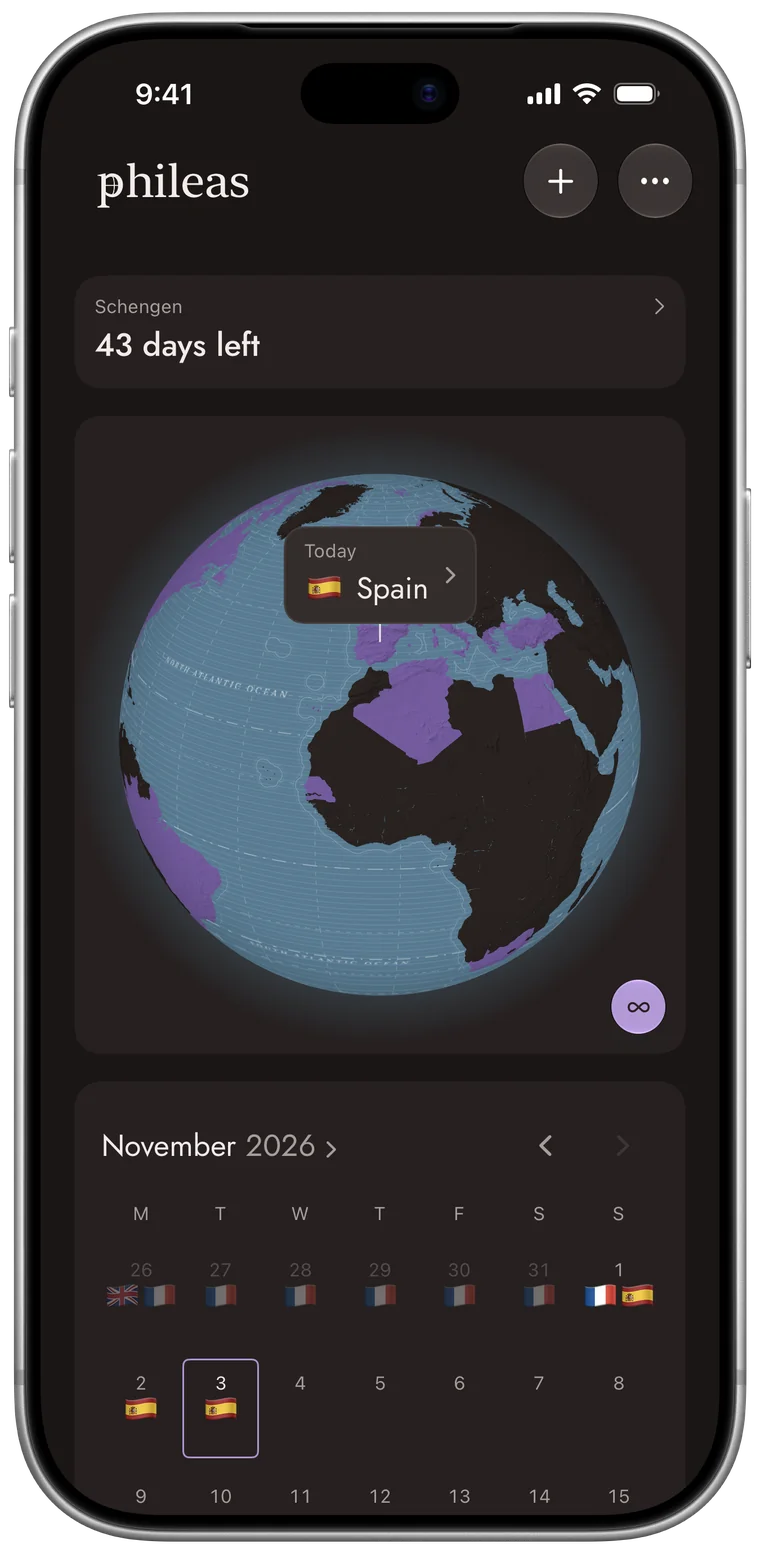
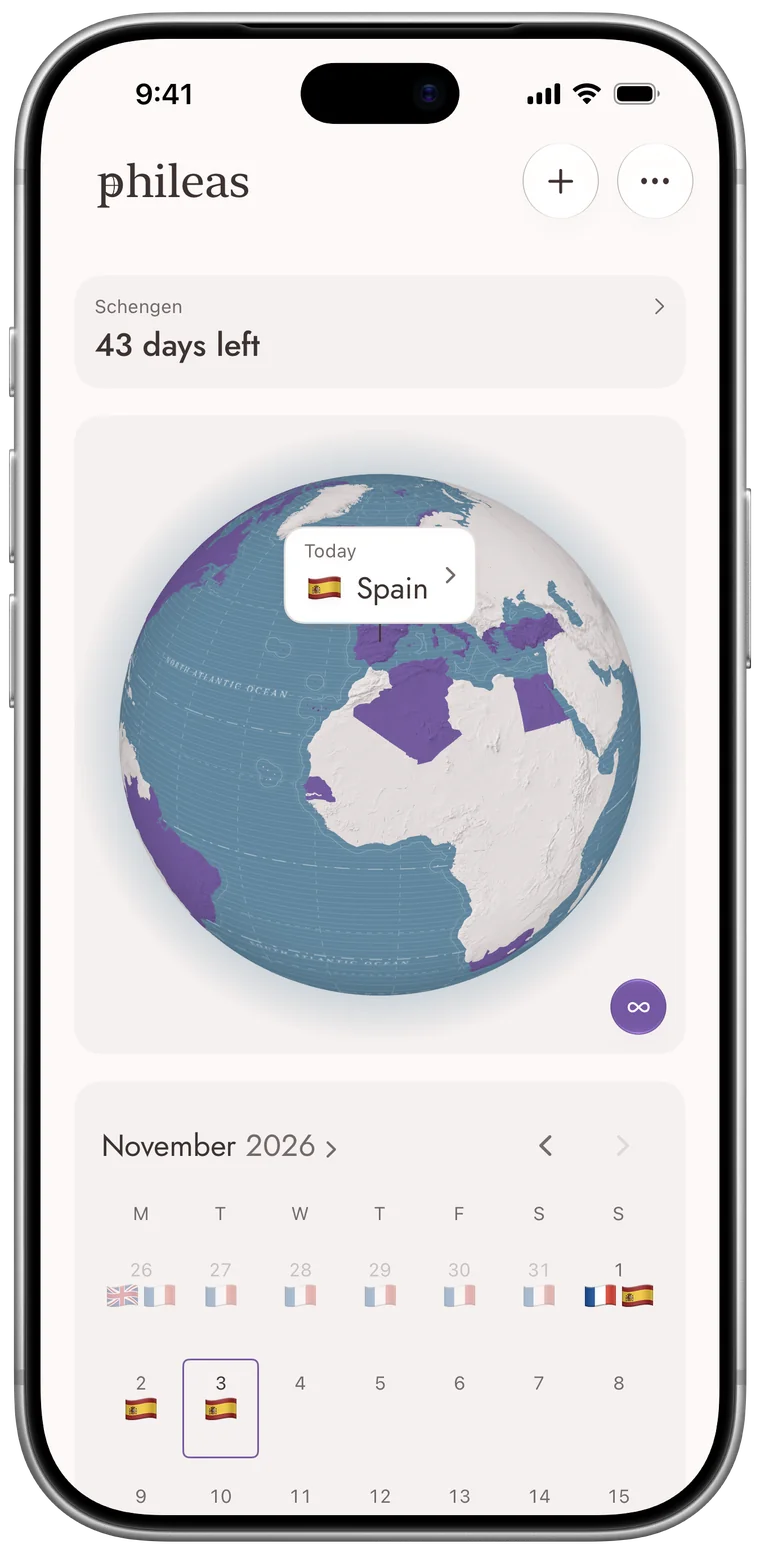
Phileas on an iPhone: the Schengen rule’s number, a globe with every country visited, and the days of the month.Phileas on an iPhone: the Schengen rule’s number, a globe with every country visited, and the days of the month.

Count

It notices the country you are in Pro

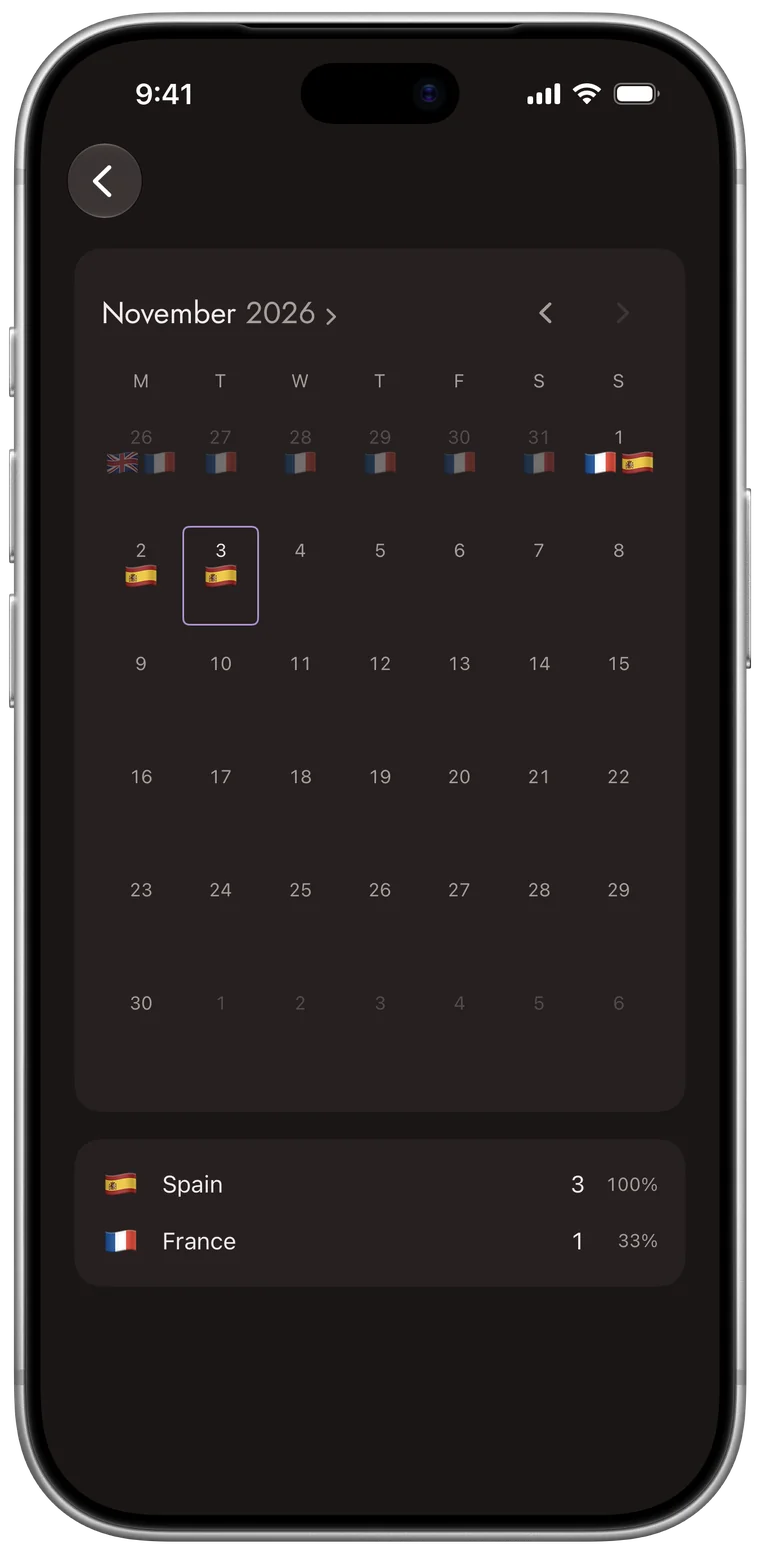
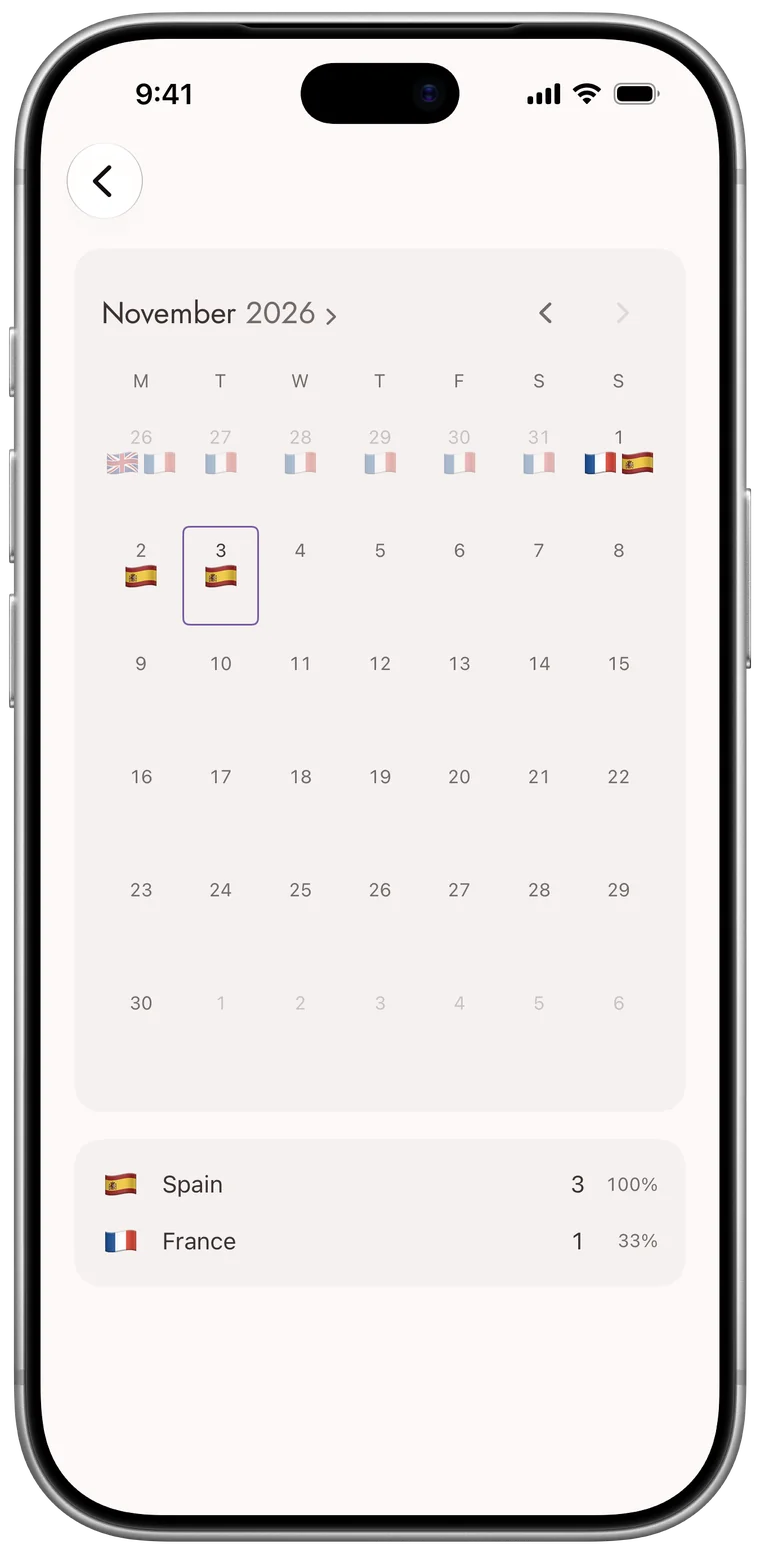
Phileas marks each day with the country you spent it in, and a day in two countries keeps both. It does this once you allow location Always: at first it asks only for location while you use the app, and offers Always afterwards.

A month in Phileas, each day marked with the country it was spent in.A month in Phileas, each day marked with the country it was spent in.

The limits you have to keep, counted every day Pro

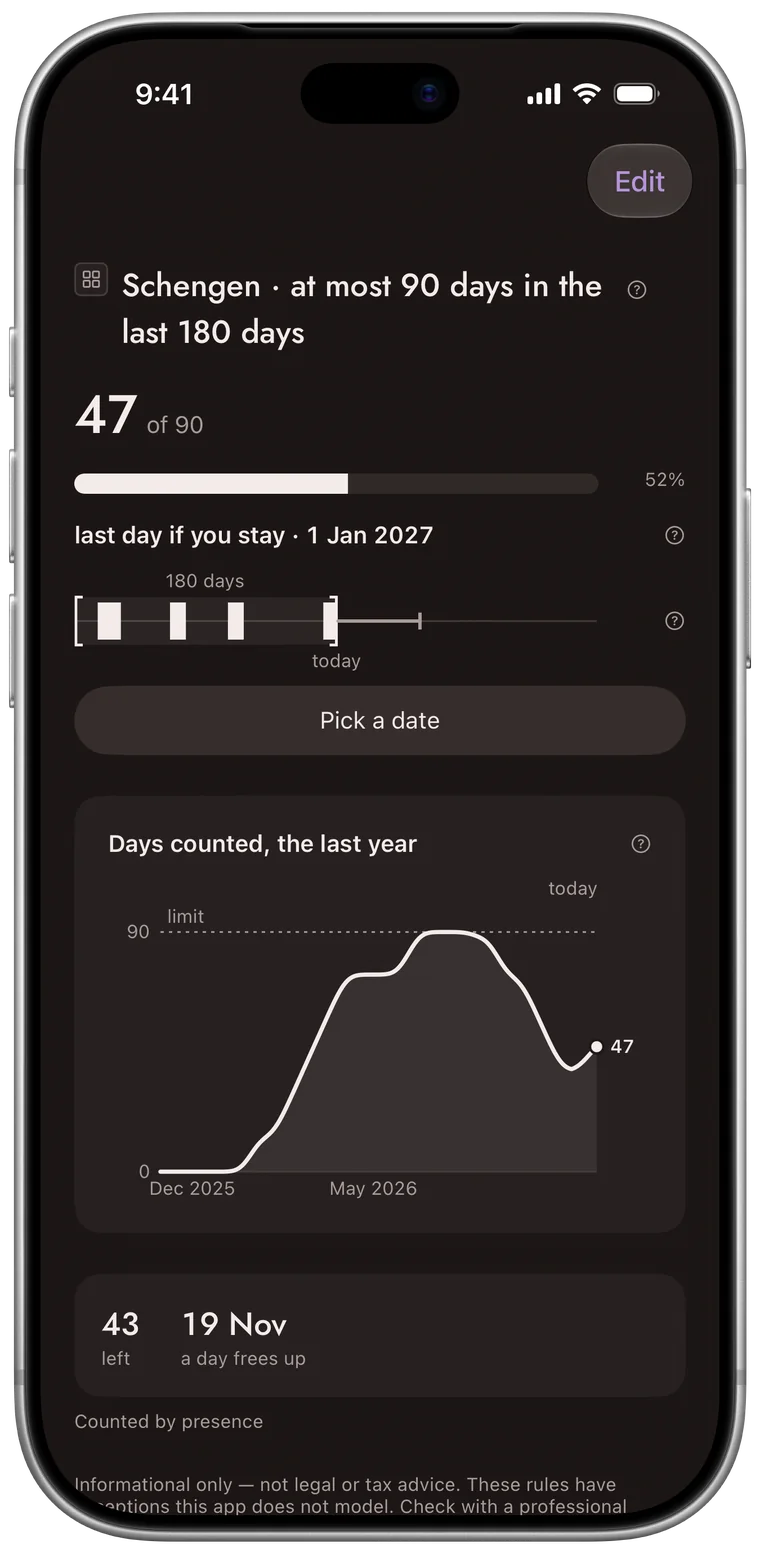
Schengen’s 90 days in 180. The 183 days of a tax residency. A limit like that is easy to break by miscounting, and costly when you do.

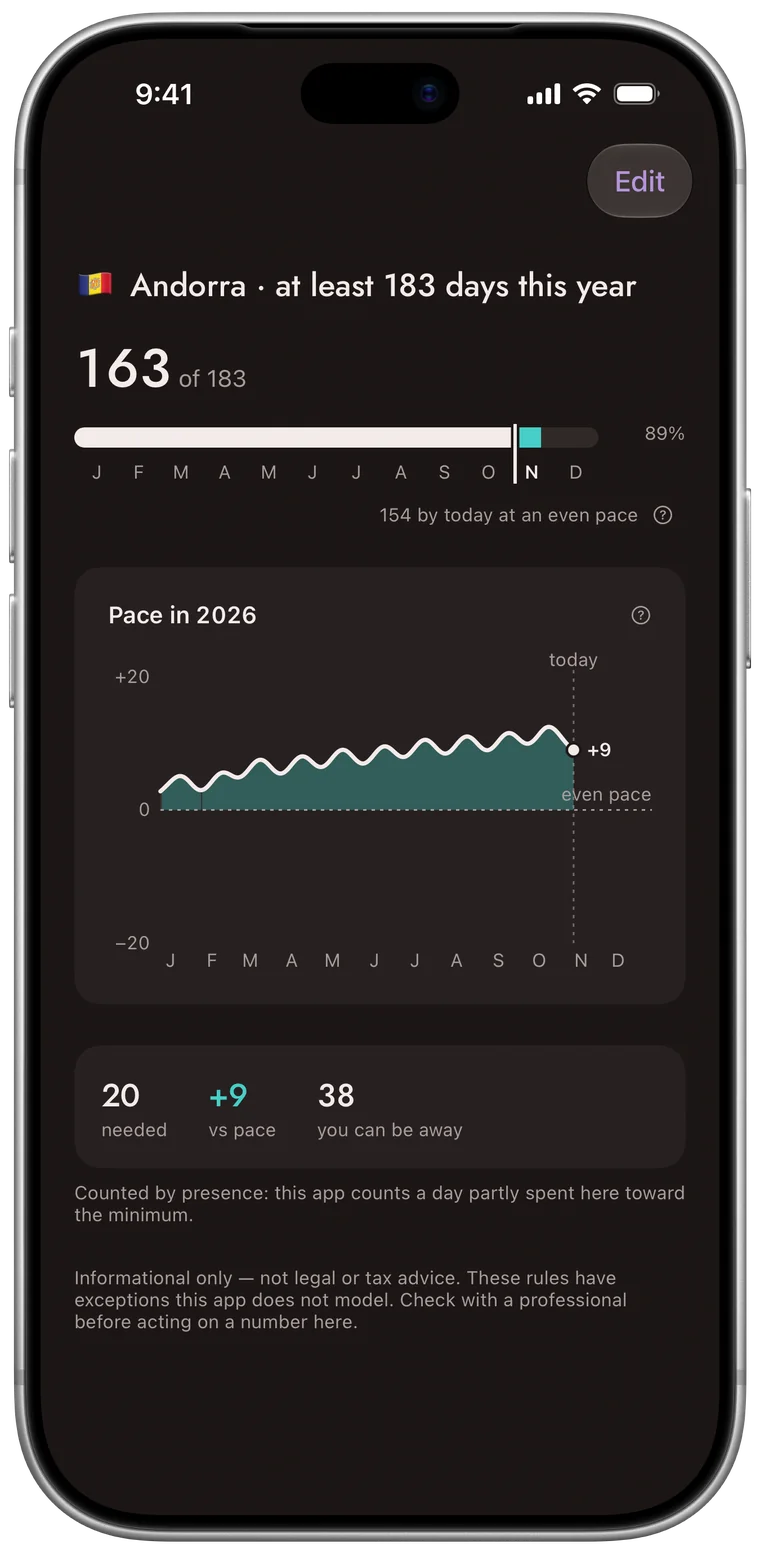
Phileas counts it for you. Add Schengen or 183 days ready-made, or make a rule of your own — in a country or away from it, at most or at least — and see the days you have used, the days left or still needed, and the last day if you stay.

A summer across Europe, a residency you have to keep up, a country you would rather not stay in too long: one rule each, one number each, so you know where you stand before you book the next flight.

Informational only — not legal or tax advice. These rules have exceptions this app does not model. Check with a professional before acting on a number here.

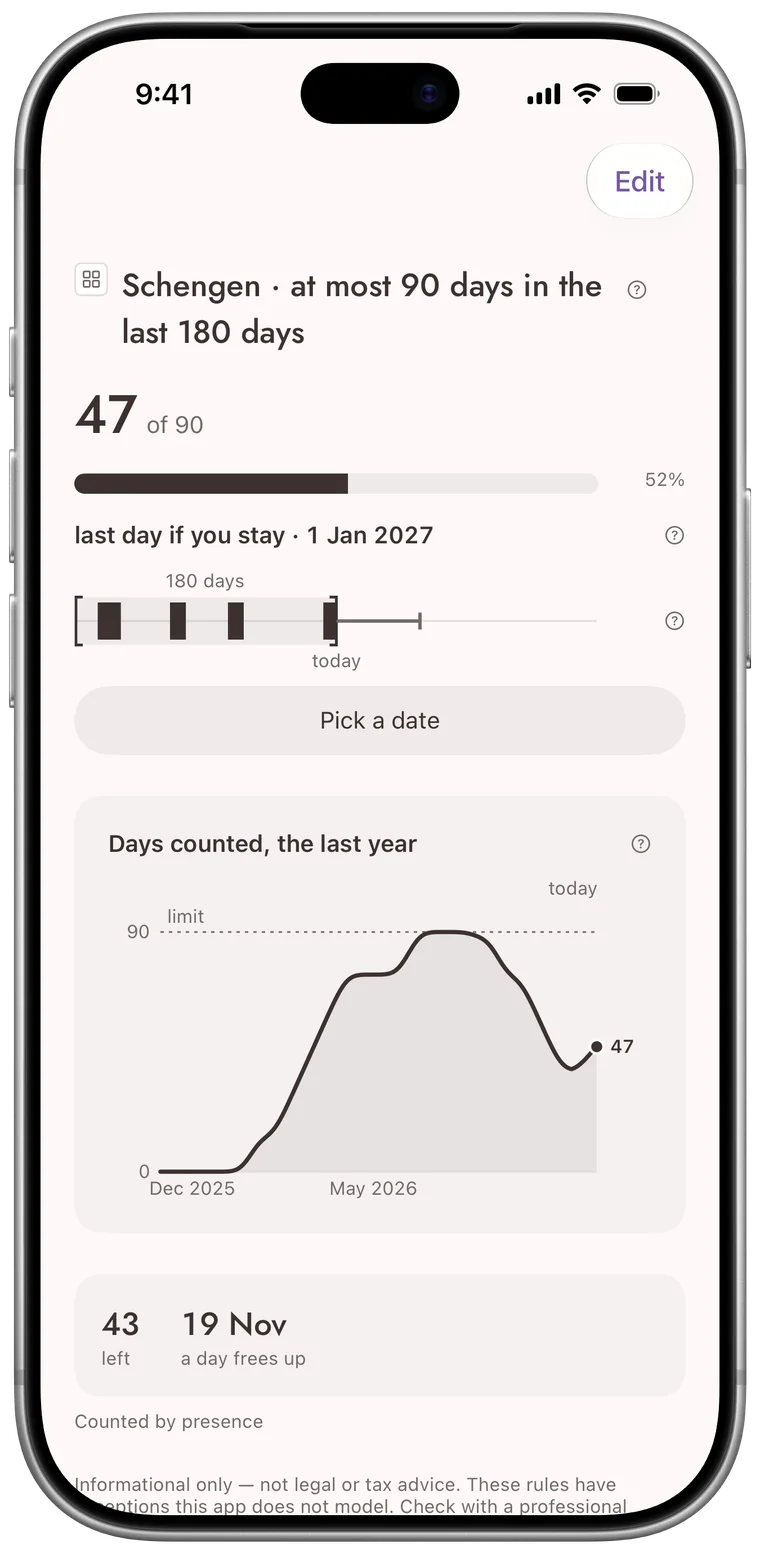
A Schengen rule’s page: the days used of 90, the last day if you stay, and the count over the last year.A Schengen rule’s page: the days used of 90, the last day if you stay, and the count over the last year.
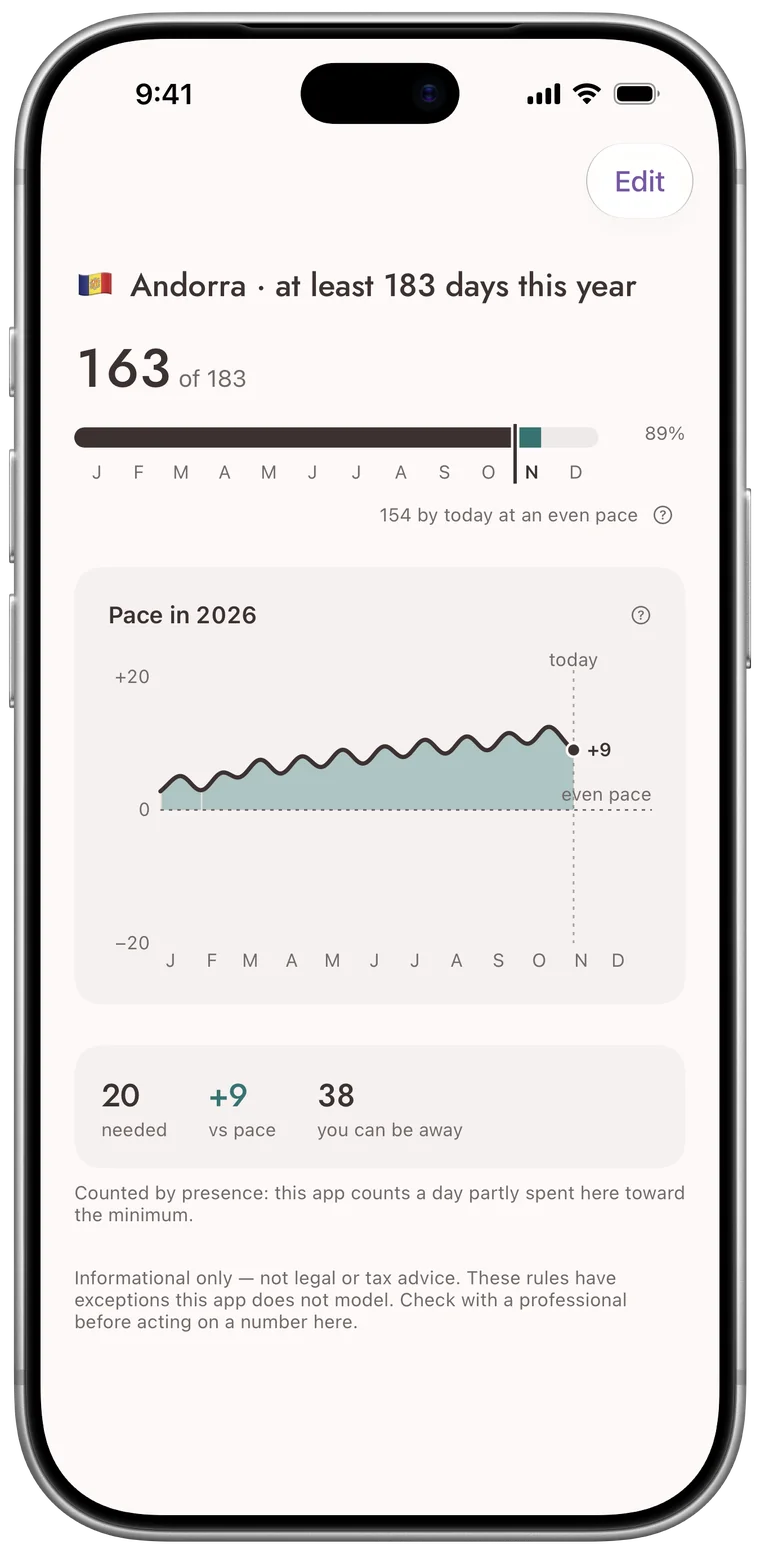
A rule’s page: at least 183 days in Andorra this year, the days still needed, and the pace in teal.A rule’s page: at least 183 days in Andorra this year, the days still needed, and the pace in teal.

When it doesn’t know, it says so

A day Phileas has no country for remains unknown, and is shown as unknown: it is never filled in silently. Phileas asks you about the days it is missing, and you answer by saying where you were.

See

Your trip around the world, on a globe

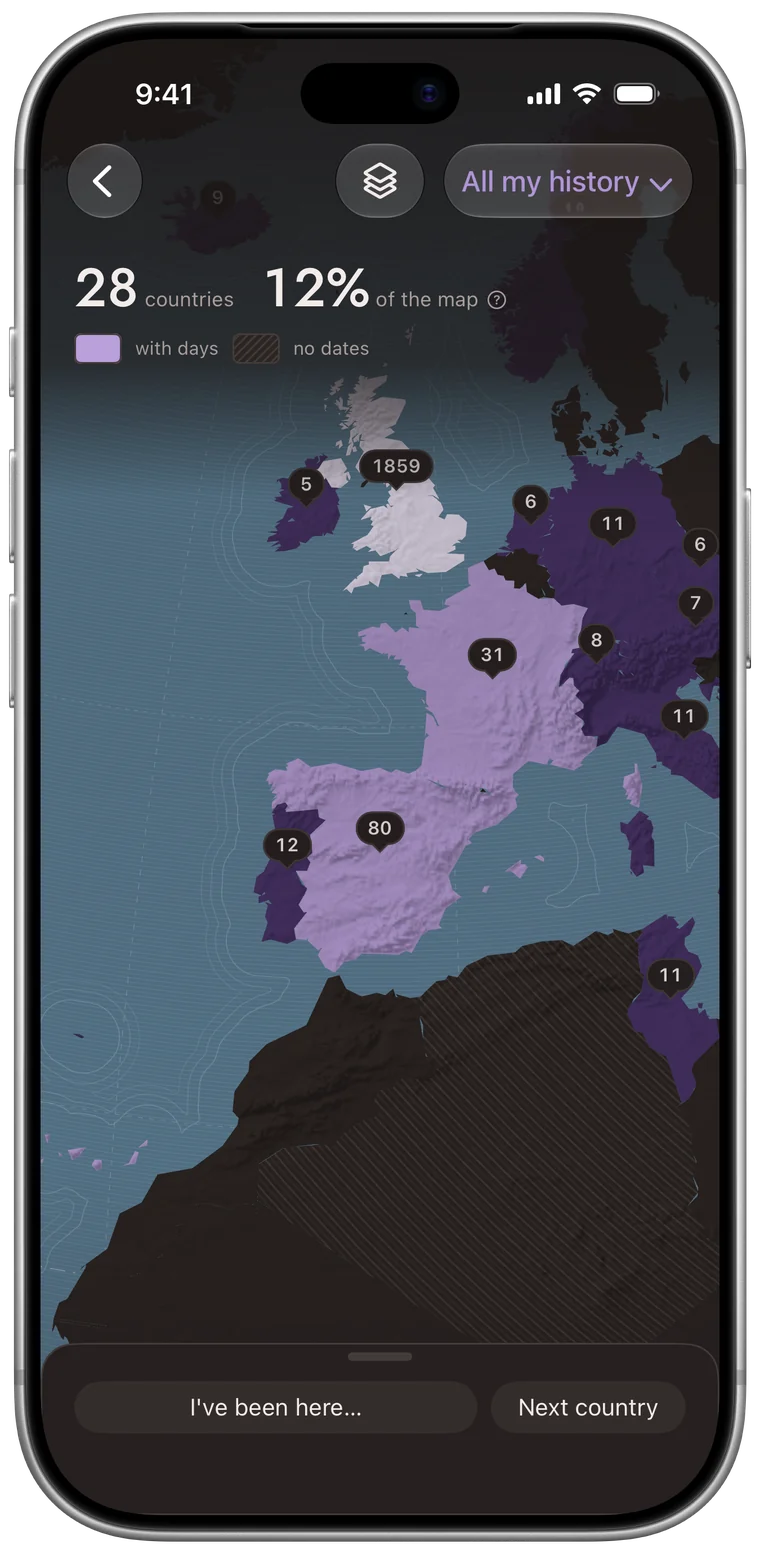
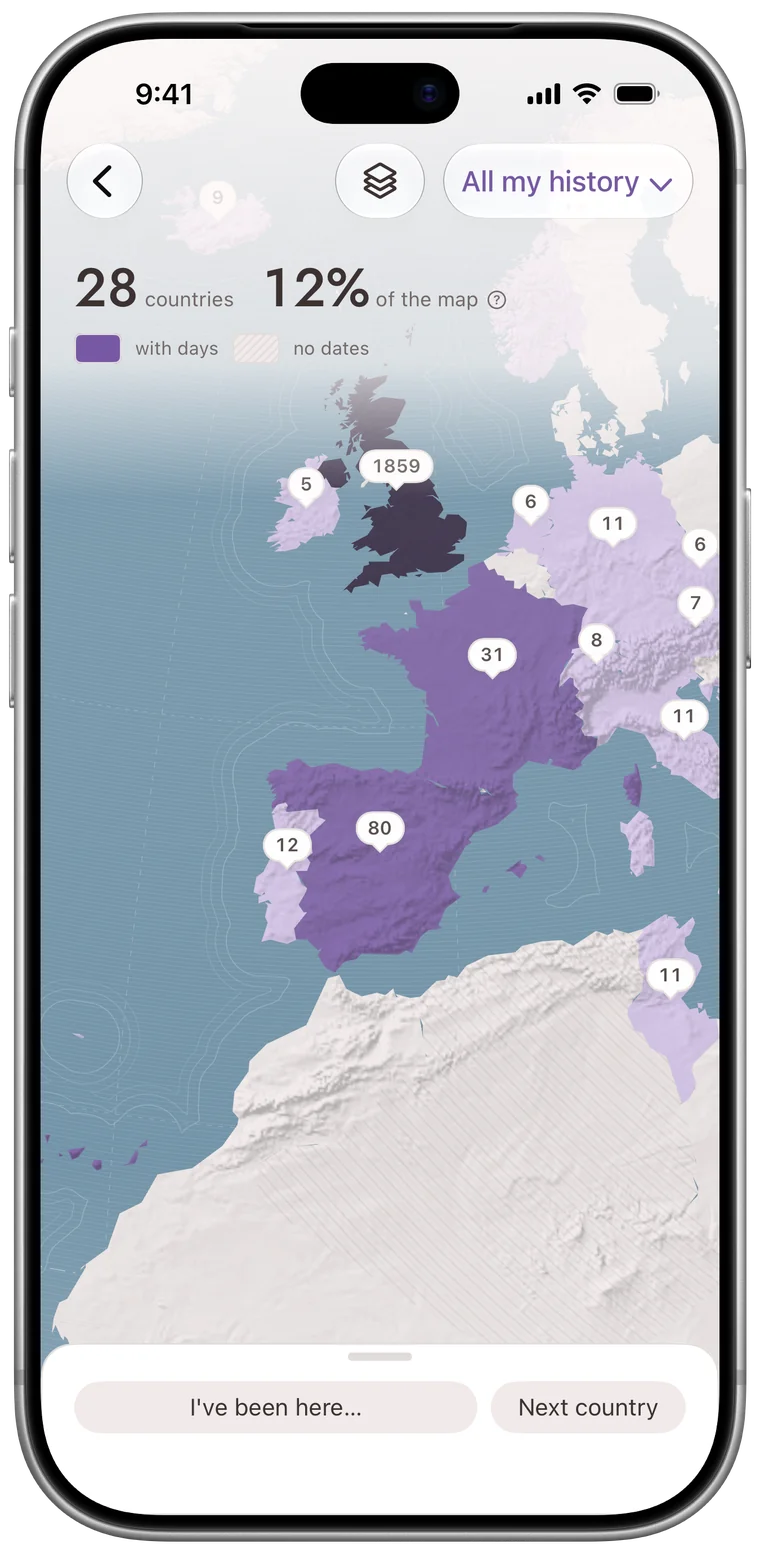
Every country you have been to, on a globe you can turn, coloured by the days you spent in each: this year, or across all your history. Or in one colour, to see just where you have been. Two figures say how far you have been: the countries you have visited and the share of the map they make up.

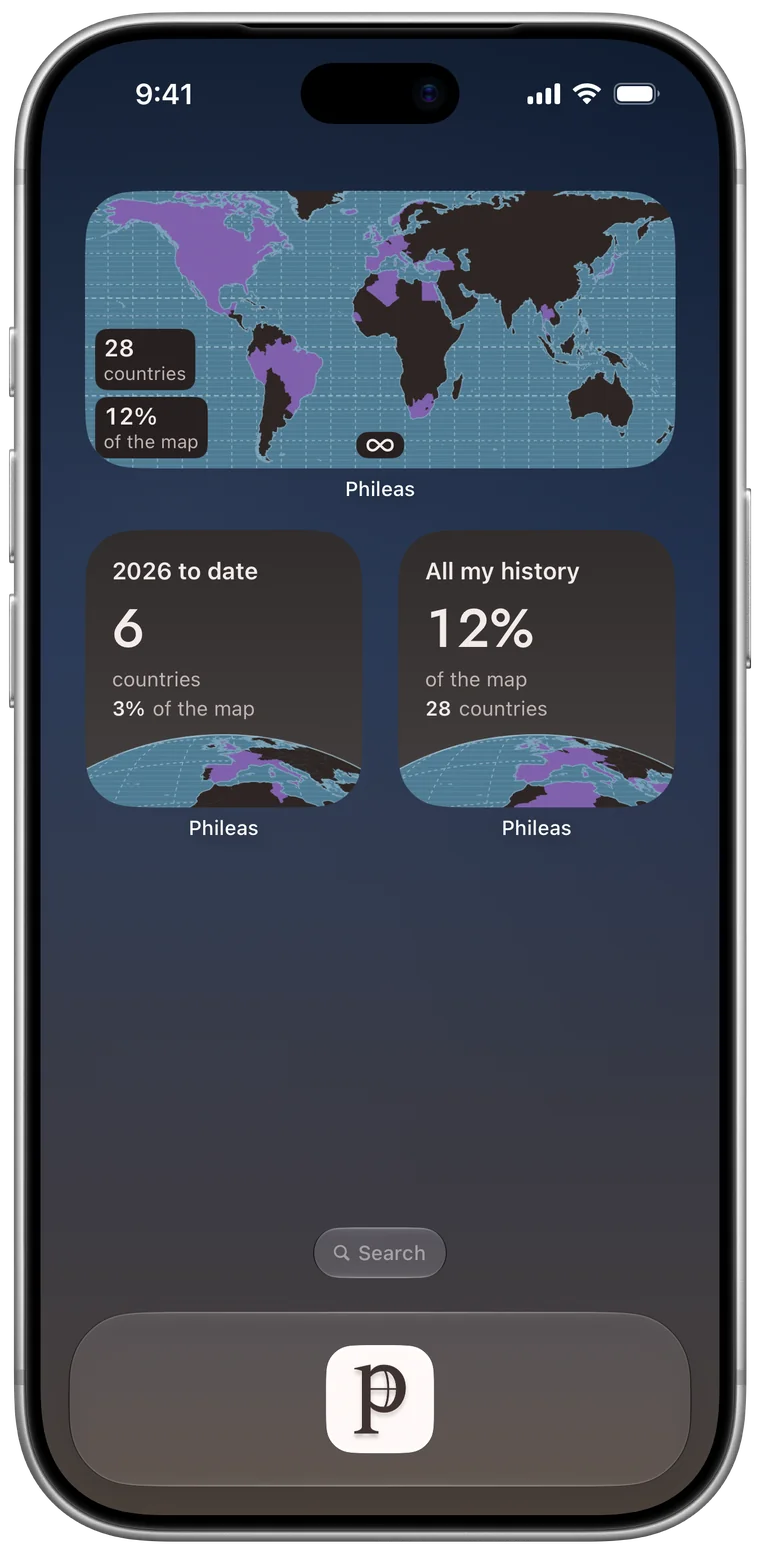
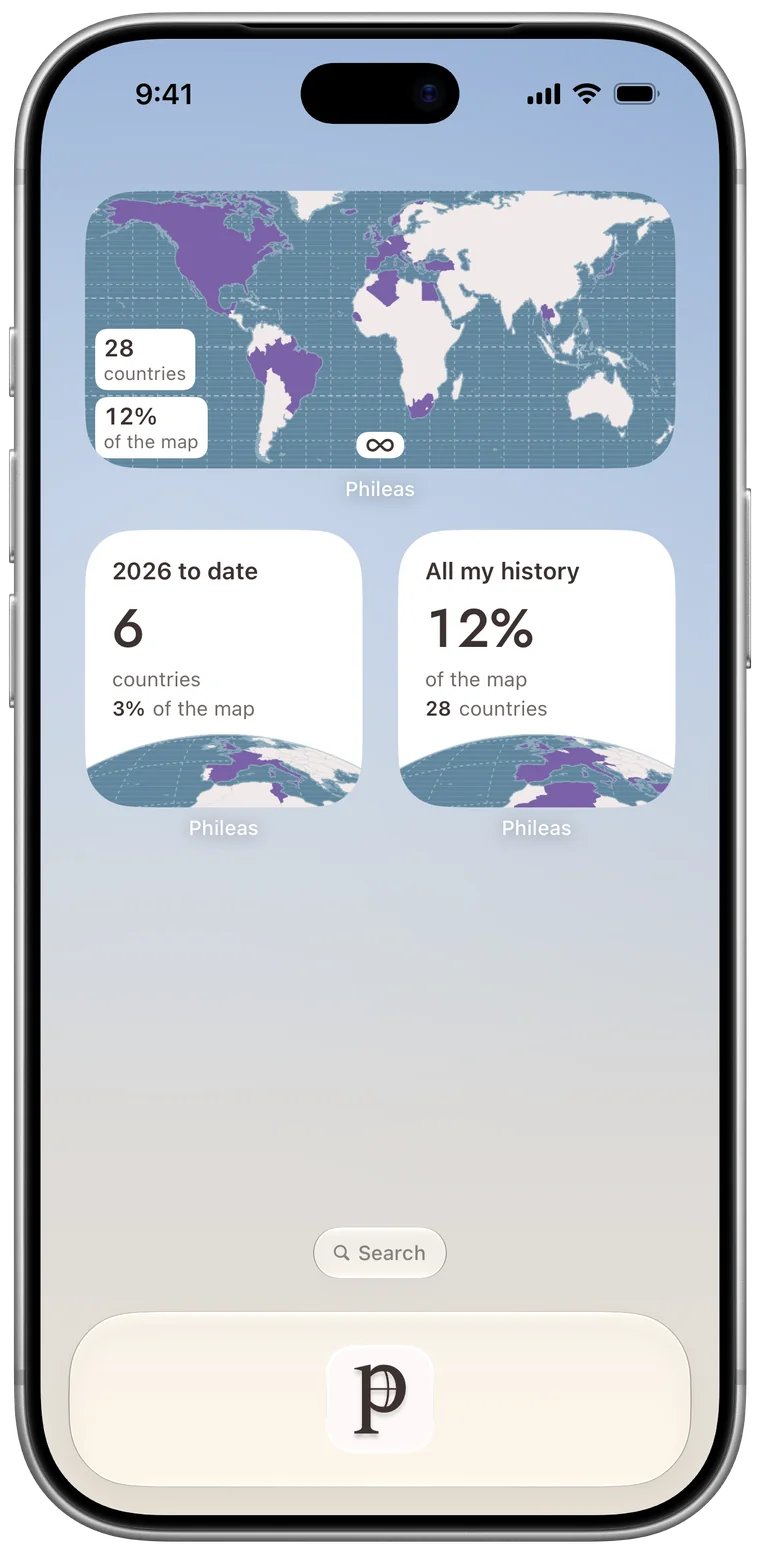
The map widgets put your countries and the two figures on your Home Screen. The map and the widgets are free.

The map is drawn on your phone from data that comes with the app. It downloads nothing.

The map on All my history: a globe with every country visited, coloured by its days, a country with no dates hatched, and the countries visited and share of the map.The map on All my history: a globe with every country visited, coloured by its days, a country with no dates hatched, and the countries visited and share of the map.
The Map widget and two widgets of countries visited on an iPhone Home Screen: your countries on a flat map, and the countries visited and share of the map, this year and in all your history.The Map widget and two widgets of countries visited on an iPhone Home Screen: your countries on a flat map, and the countries visited and share of the map, this year and in all your history.

Every country counted

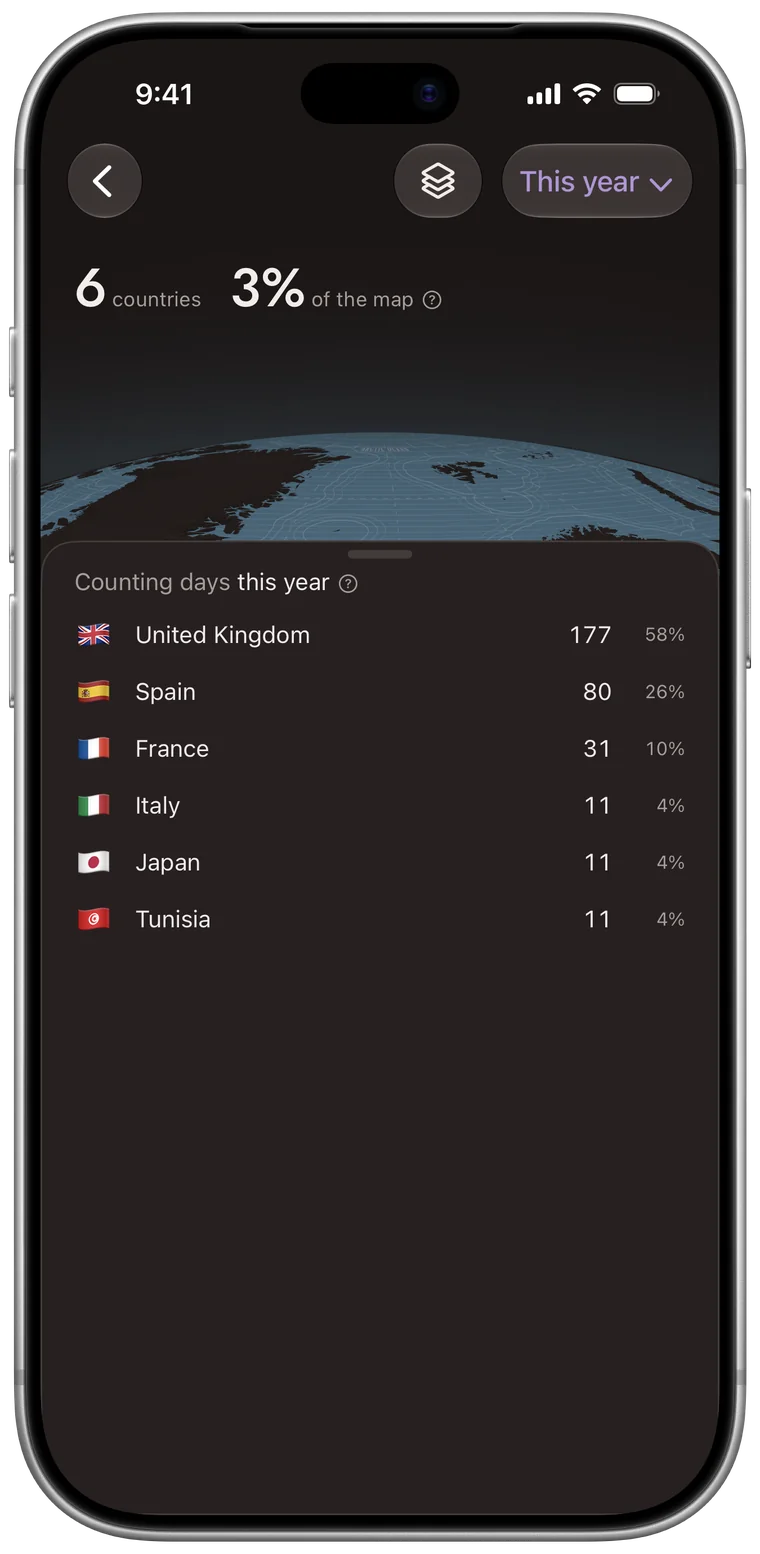
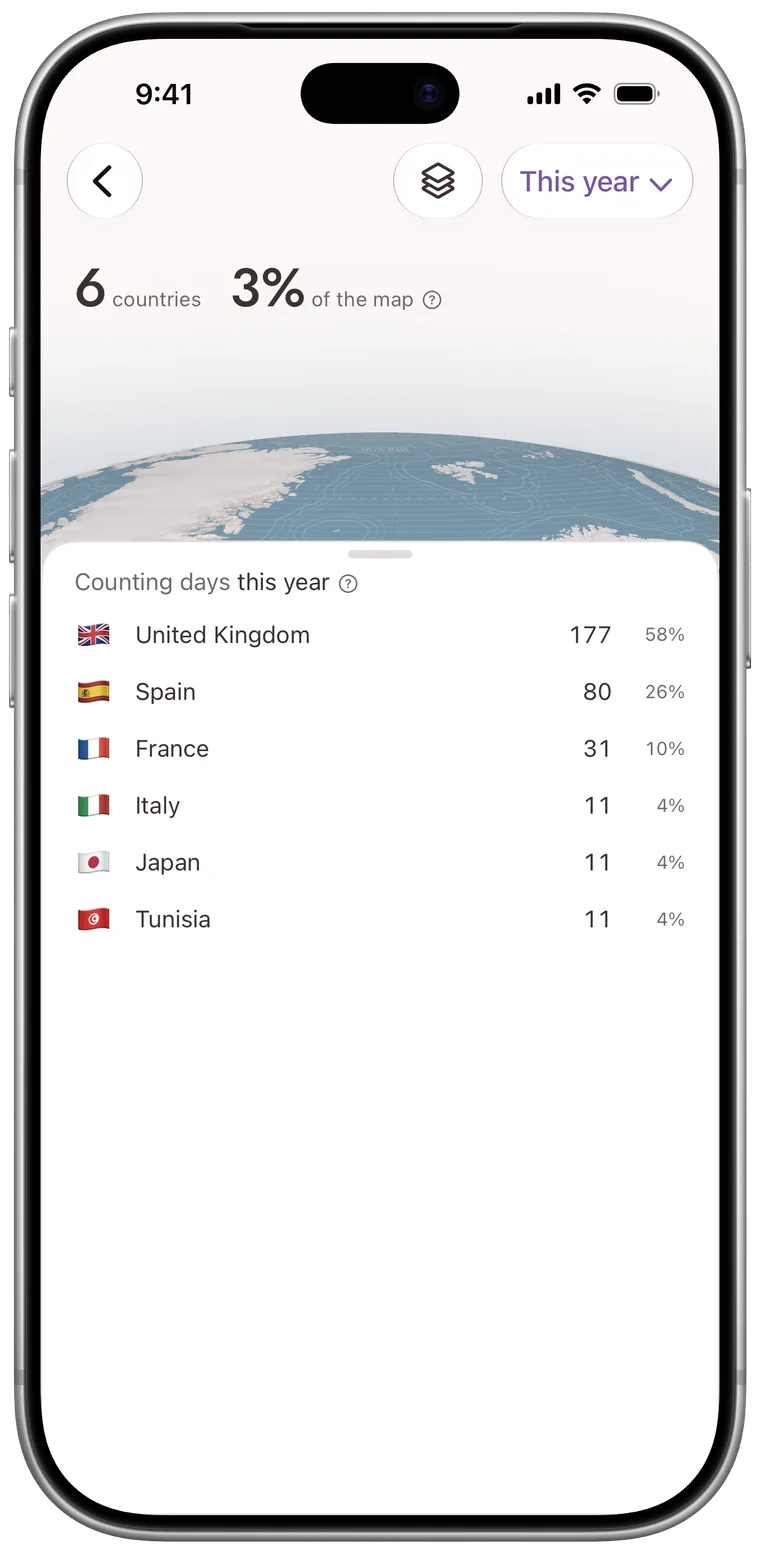
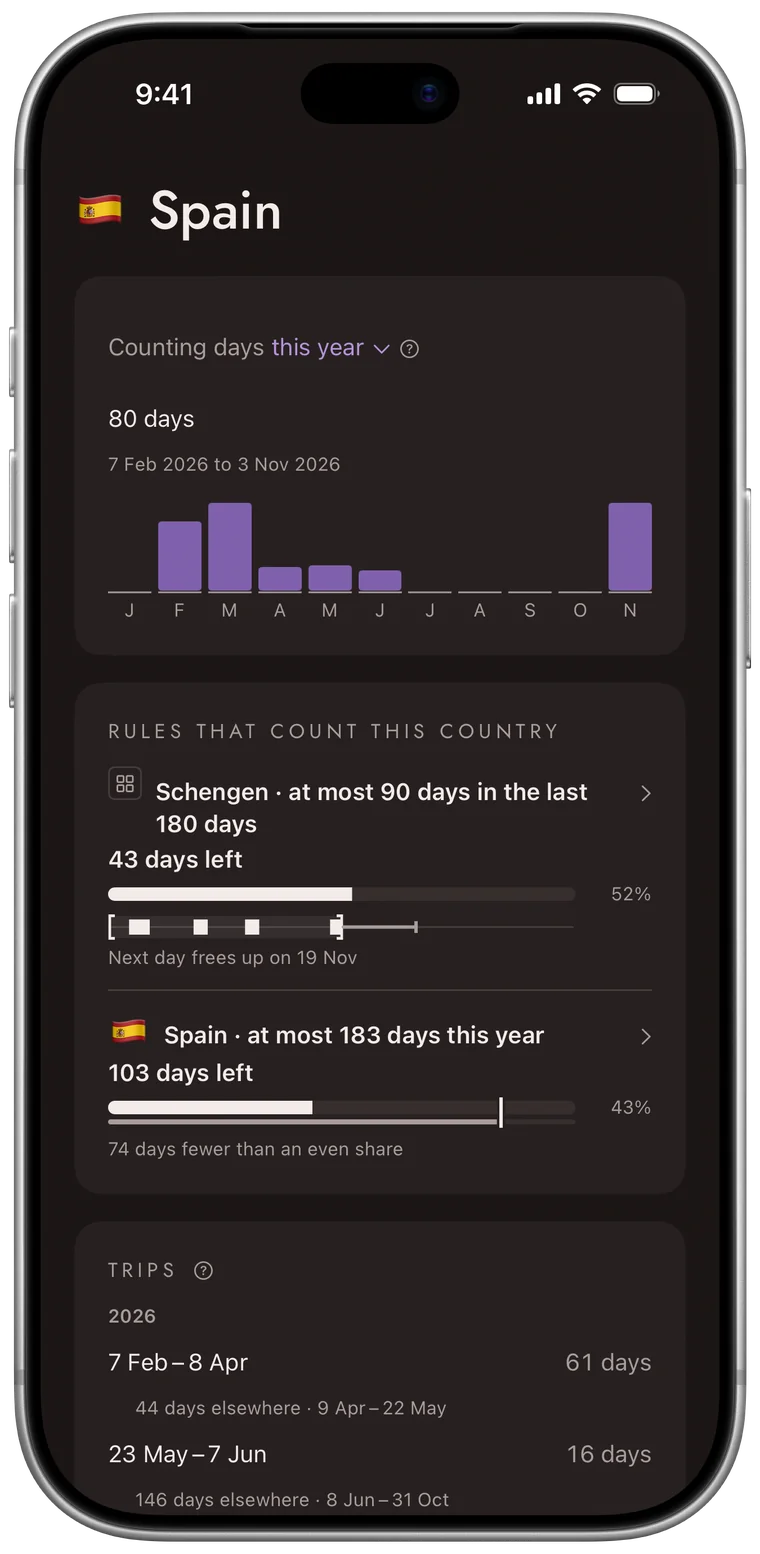
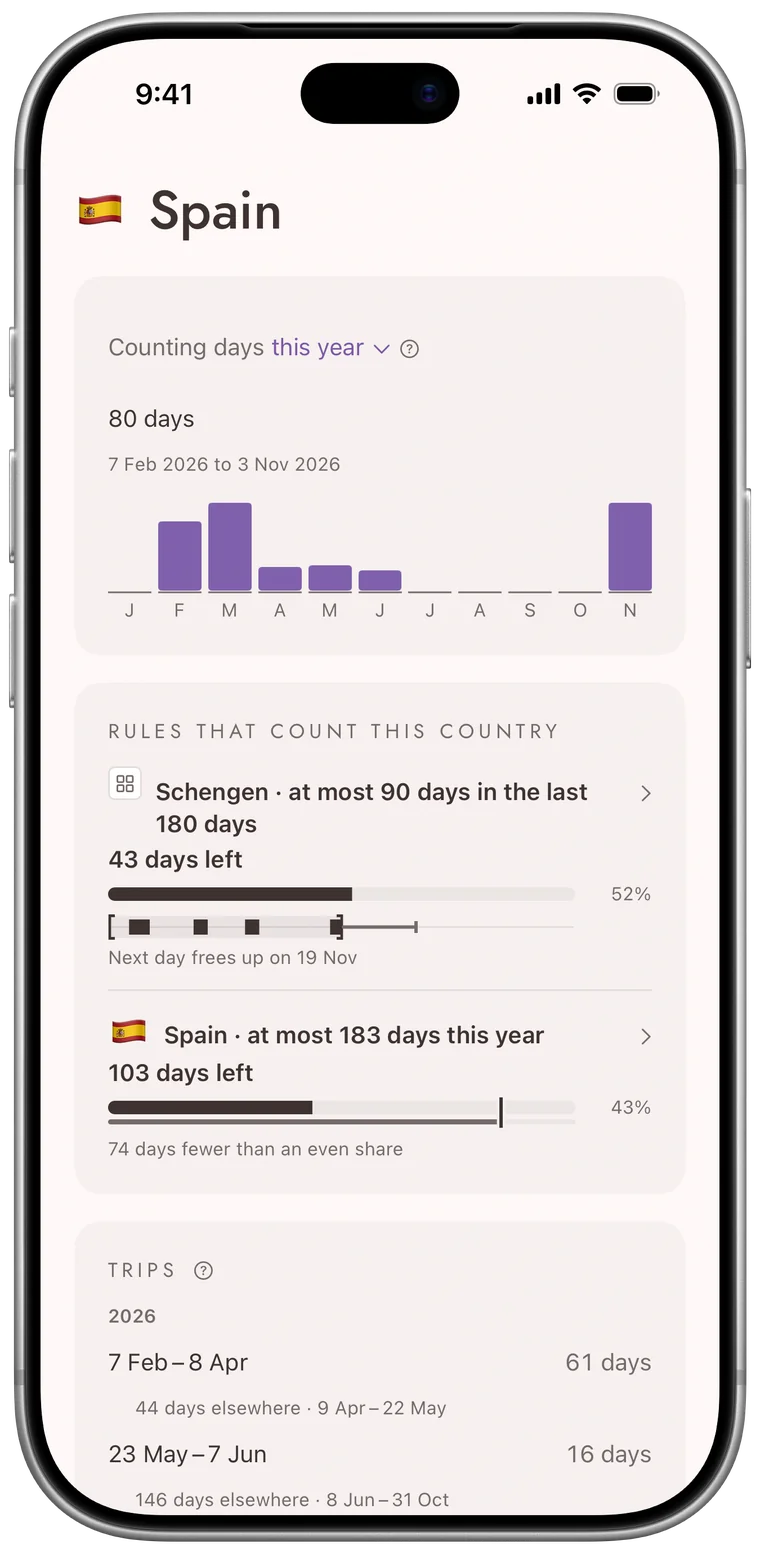
Every country you have been to, ranked by its days and its share of the period: this month, this year, the last 180 days, the last 12 months or dates you choose. Touch one to see its days month by month and your trips there.

The map drawn up: the countries of the year ranked by their days.The map drawn up: the countries of the year ranked by their days.
Spain’s page: its days month by month this year.Spain’s page: its days month by month this year.

Widgets Pro

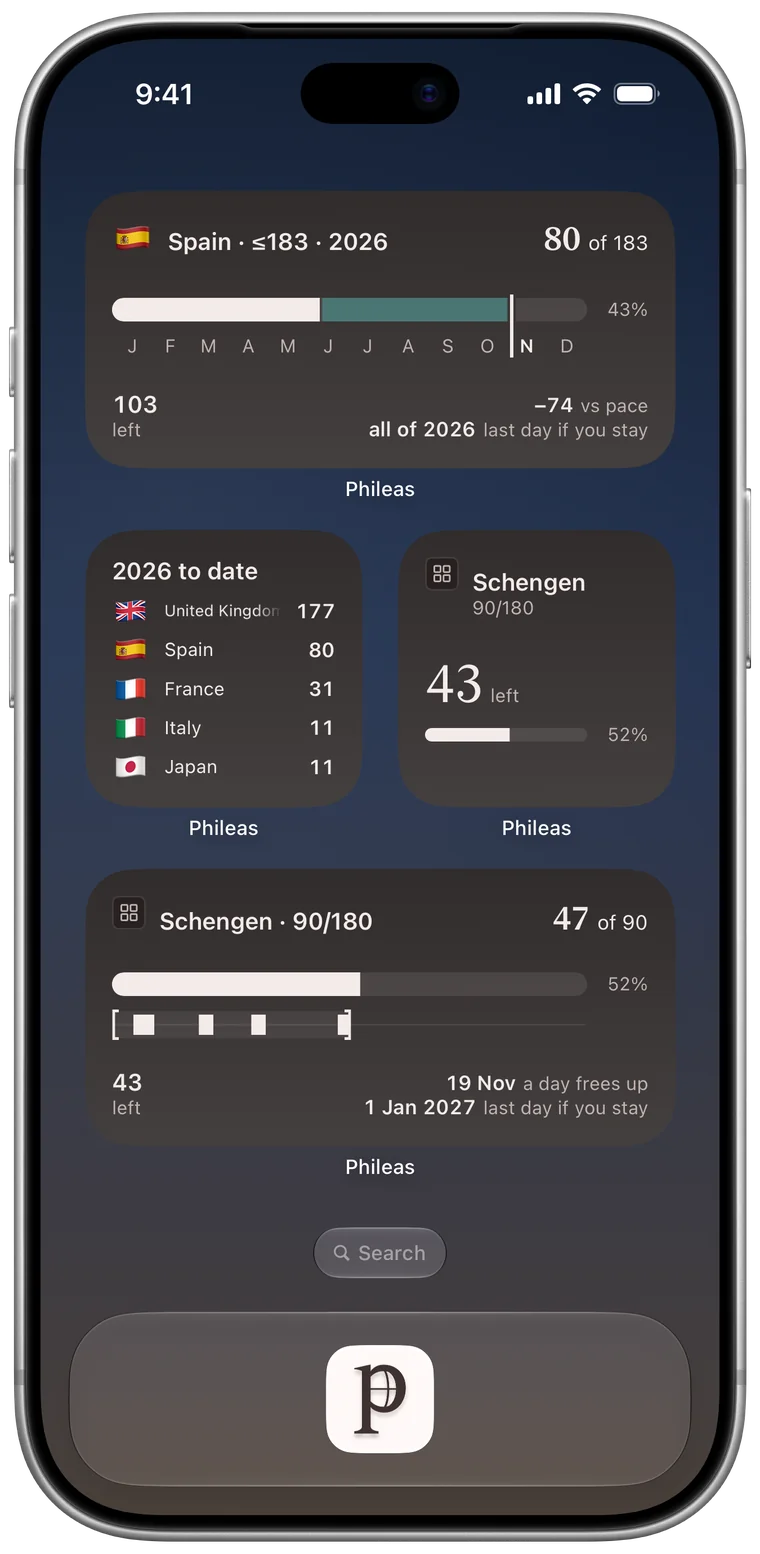
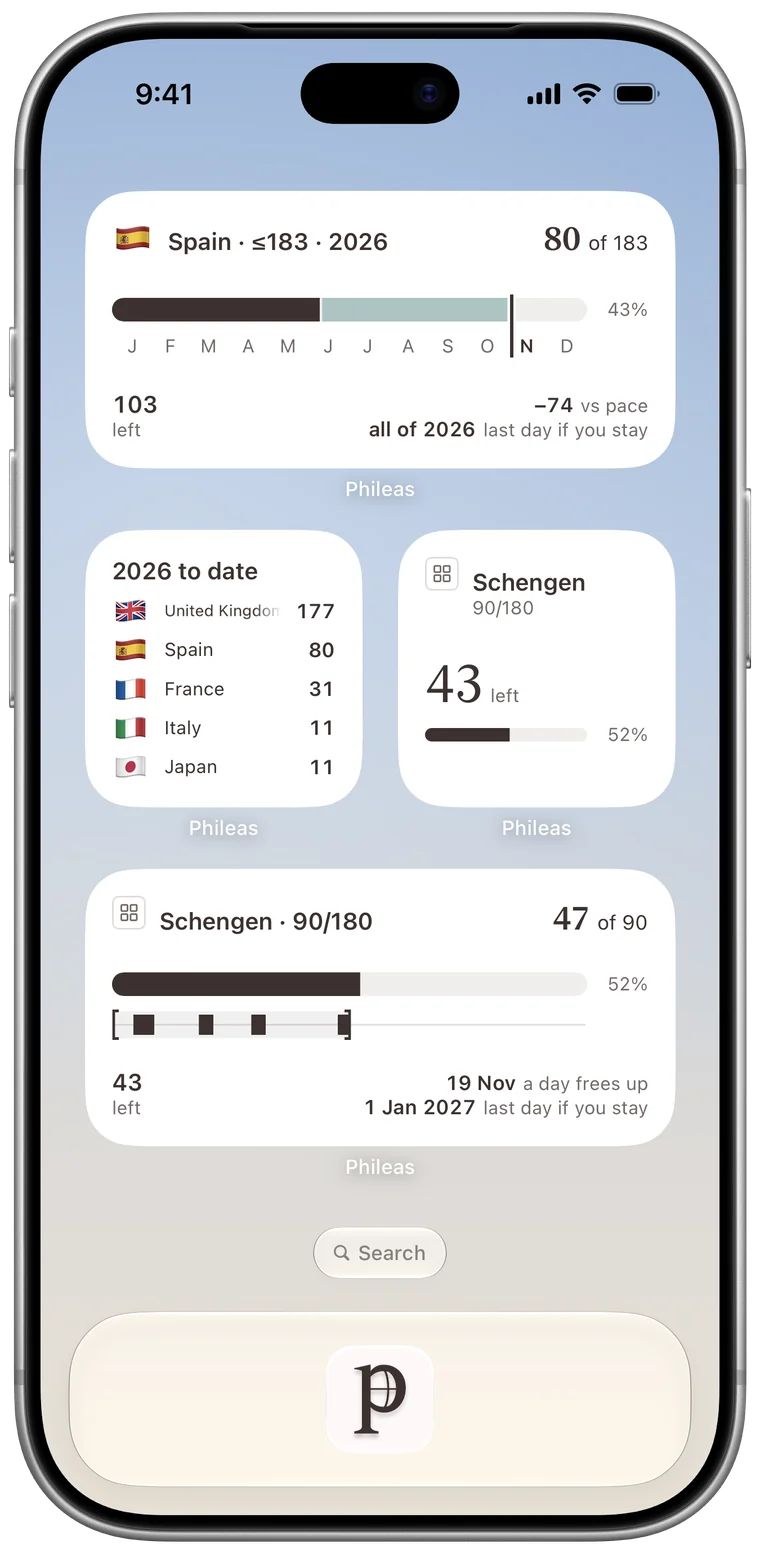
Your rule with its number on your Home Screen, or your countries. A rule’s widget colours its pace as its page does, and the medium Countries widget shows your top ten. A tap opens what the widget shows.

Phileas widgets on an iPhone Home Screen: Spain’s 183 days and the Schengen rule, each with its number, and the countries of the year.Phileas widgets on an iPhone Home Screen: Spain’s 183 days and the Schengen rule, each with its number, and the countries of the year.

Fill in and keep

Fill in the past

Your days before Phileas, three ways.

Days from your photos Pro

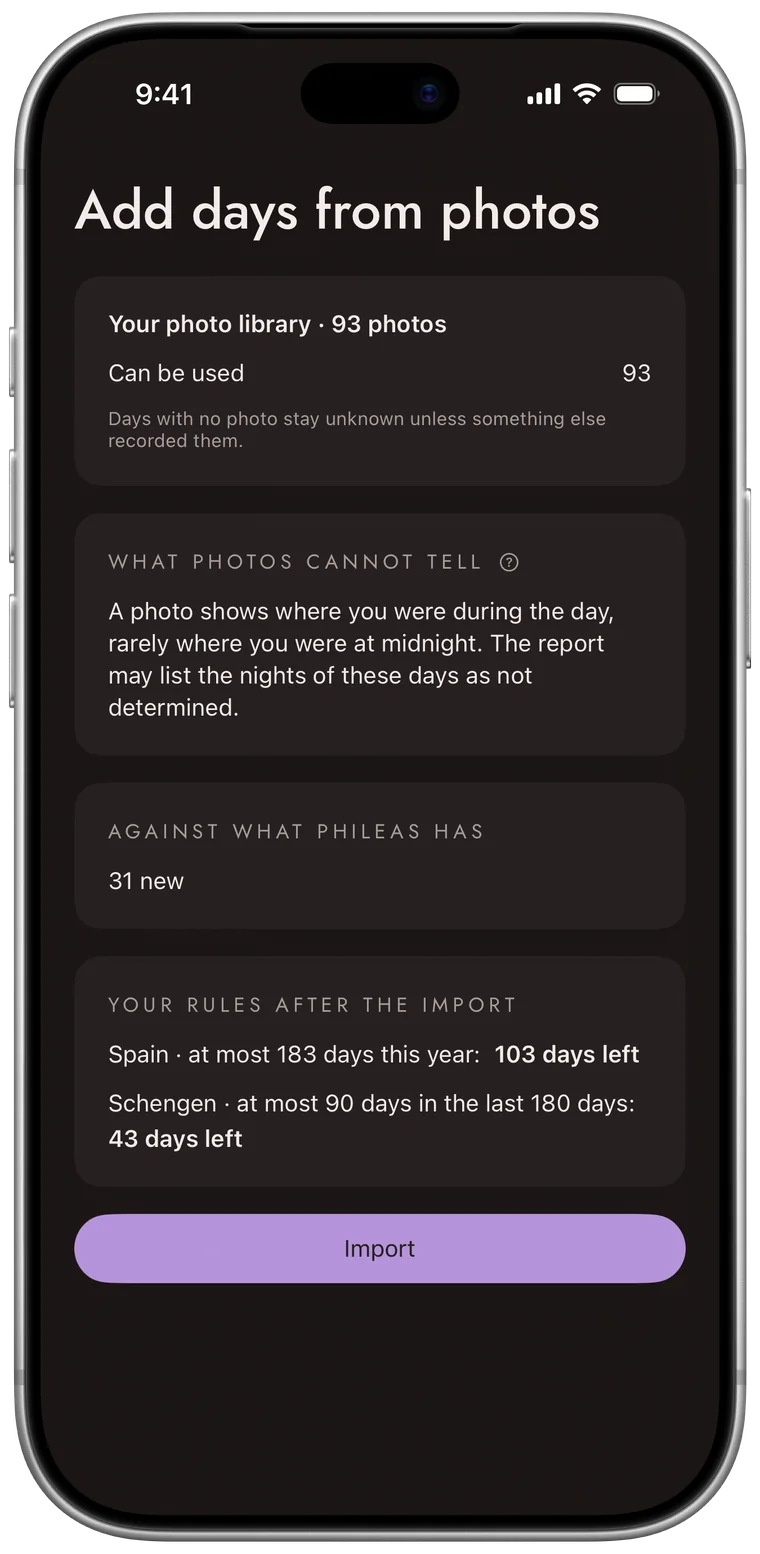
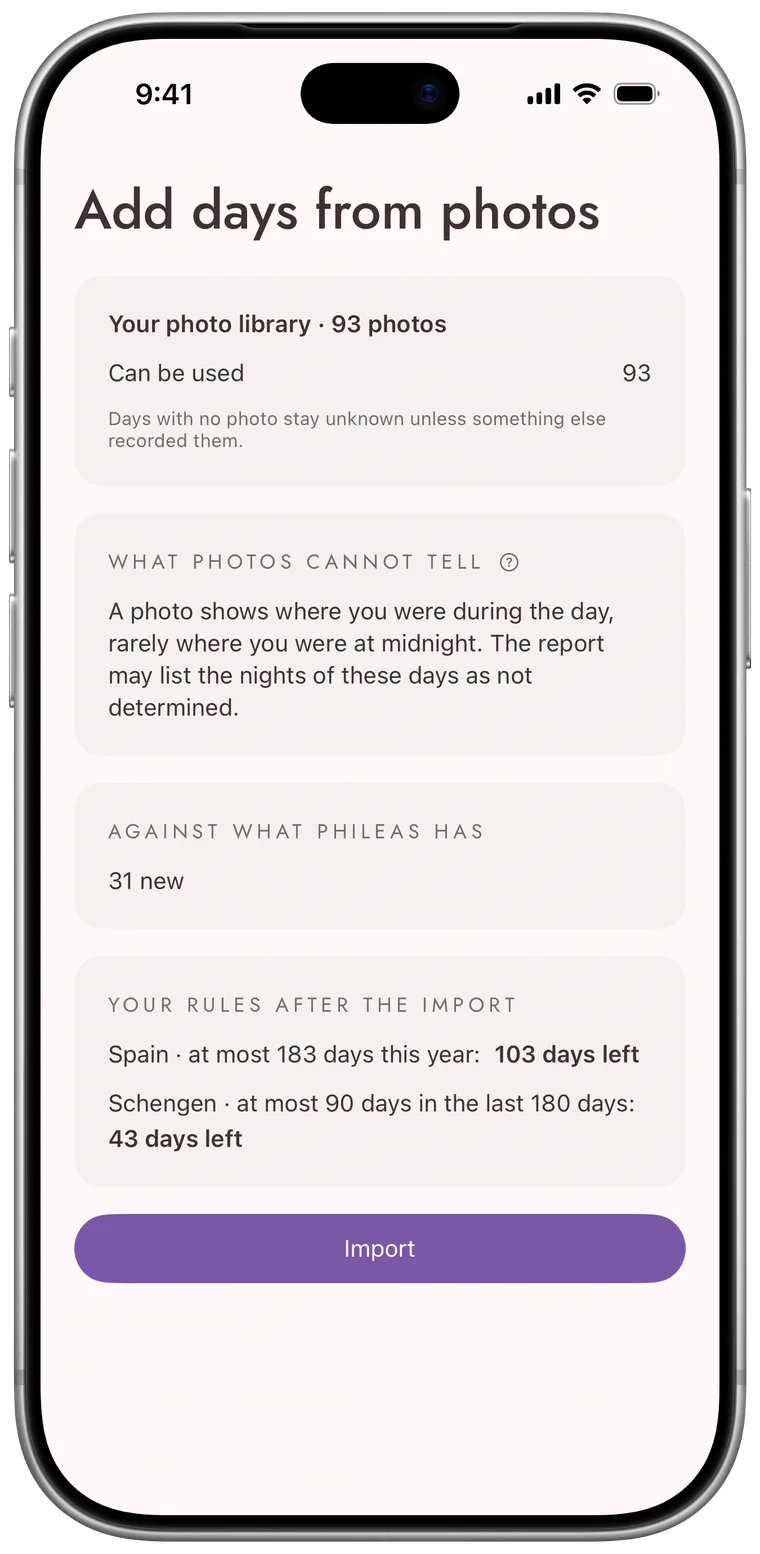
Let Phileas read your whole photo library once you allow it, or pick photos from a trip: with Pro, the date and place of each photo become a day, and the trips you took photos on appear on your globe; free, each photo shows its country on the map, with no dates. Reading the whole library needs your permission, which iOS asks for when you choose All my photos; iOS gives it as full access, because it has no read-only kind. The app only reads your photos: it never adds, changes or deletes one. It does not copy, store or upload the photos, and it does not keep their locations.
From another app Pro

Import the file in which another app kept where you were. Your corrections and stays are never written over.

Stays you enter Free

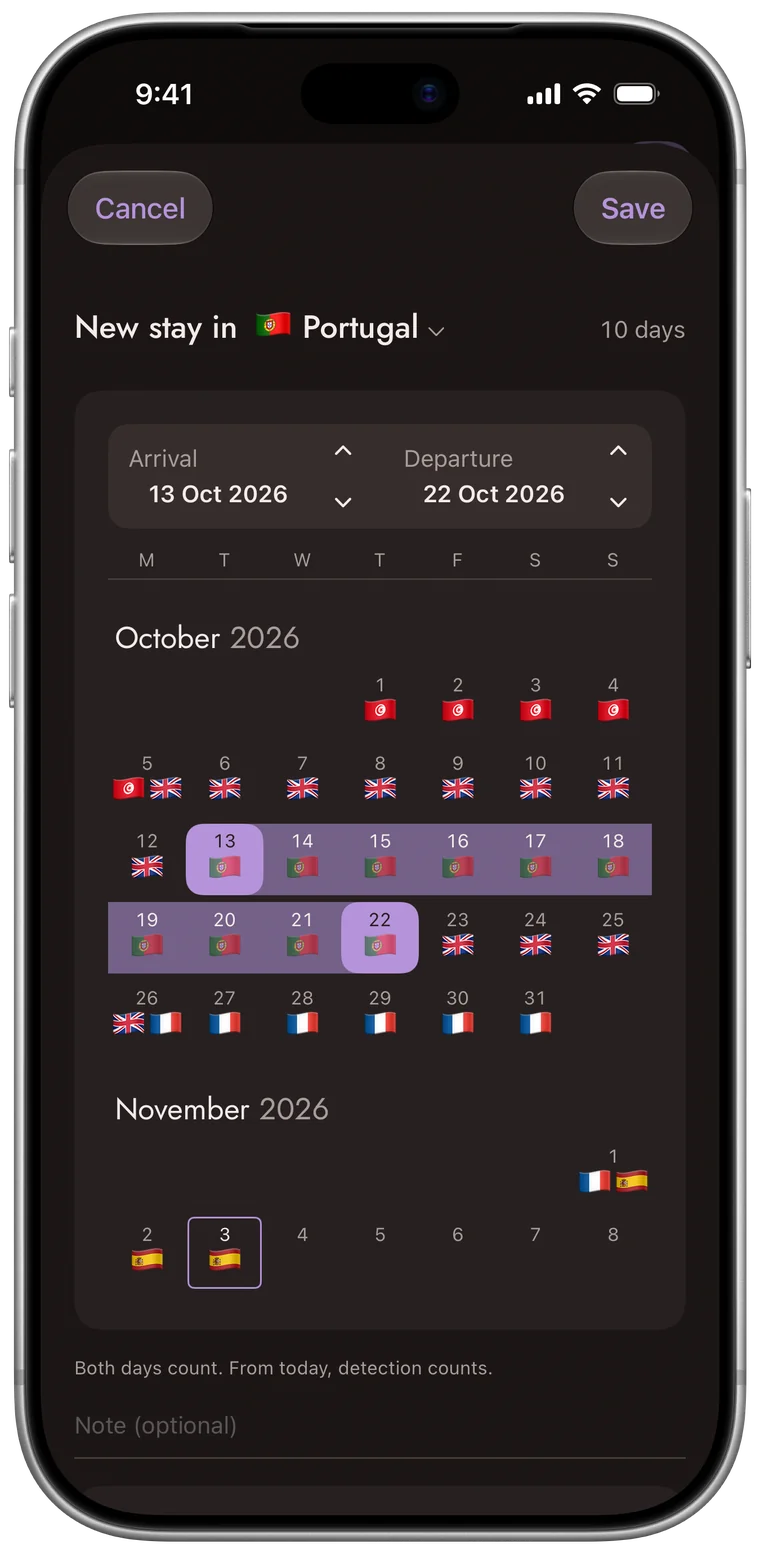
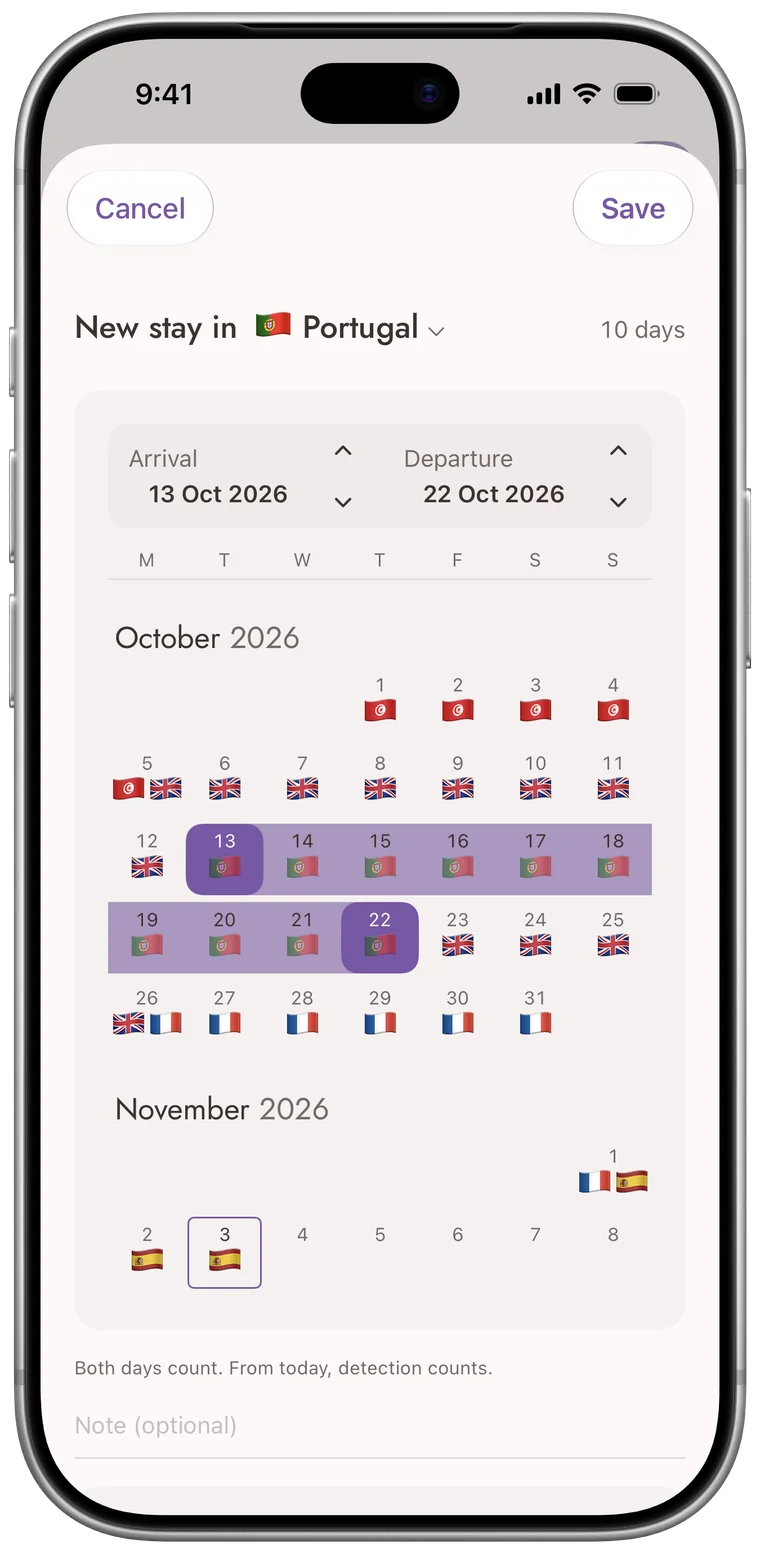
Choose the country and drag across the dates of your stay on the calendar, and those days count.

Adding days from photos: the preview of what will count, before anything is written.Adding days from photos: the preview of what will count, before anything is written.
A new stay: its country, and its dates painted on the calendar.A new stay: its country, and its dates painted on the calendar.

Stays on your phone

  • Phileas counts how many days you spend in each country. Everything it records stays on your phone.
  • There is no account, no server, no analytics and no advertising. If you buy Pro, Apple handles the purchase.
  • Nothing leaves your phone unless you export it and send it somewhere yourself.
  • The location is turned into a country code on your phone and then discarded.
  • Your phone’s own backup — iCloud or a computer — includes this app’s data, as it does for most apps.

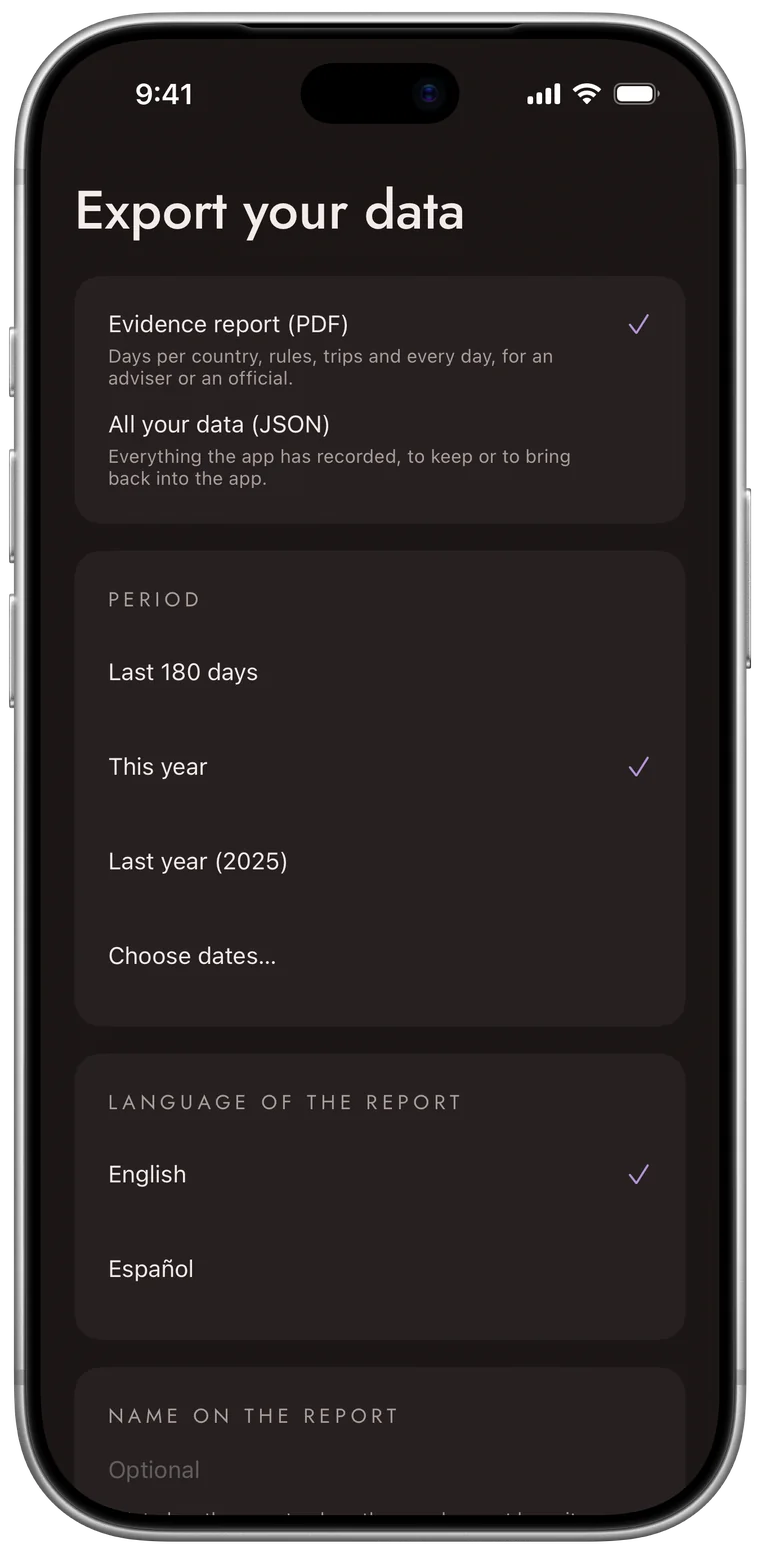
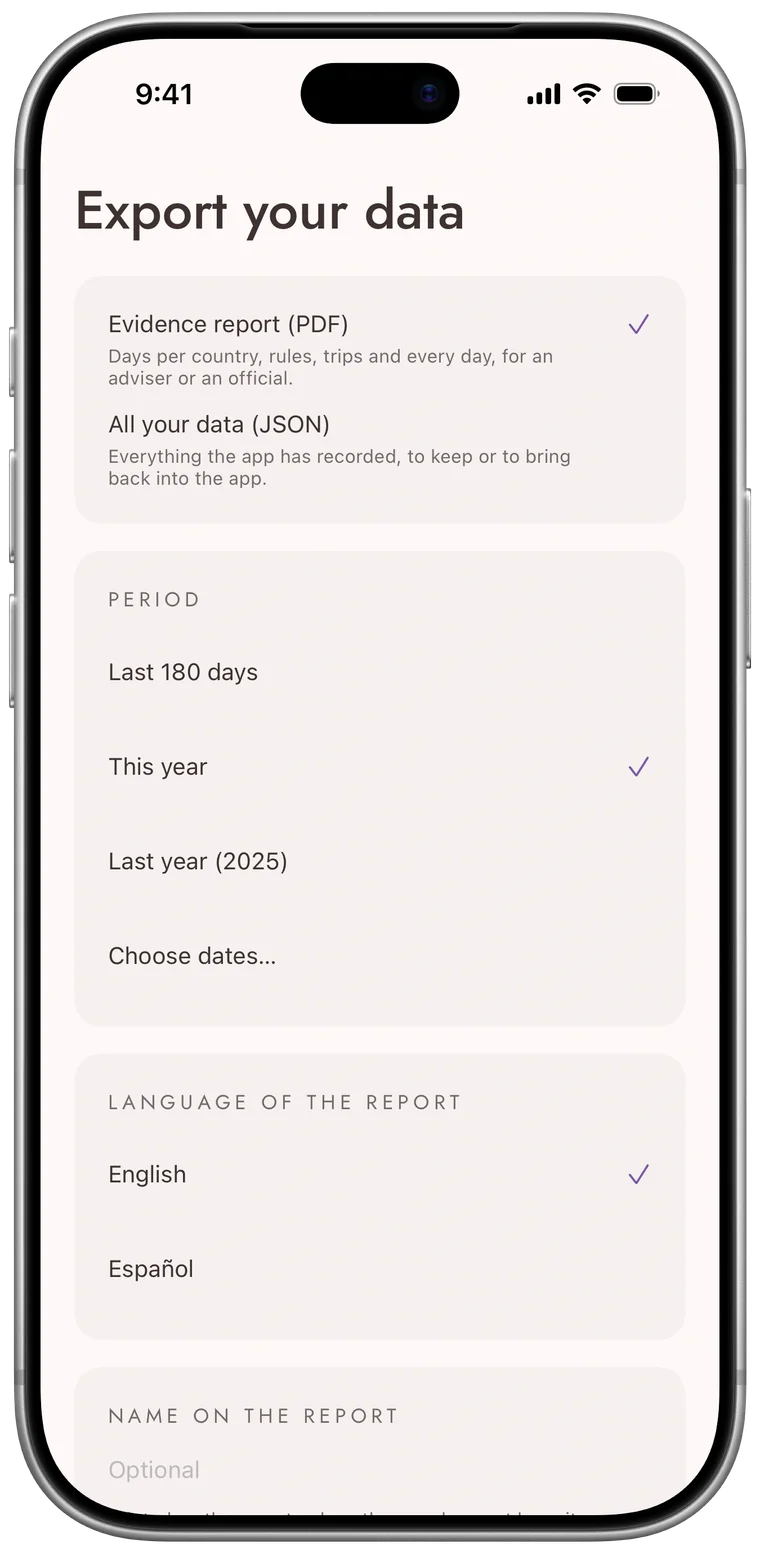
When someone needs to see your days, export a PDF report for an adviser or an official: your days and nights in each country, your trips, and how many days were unknown or entered by you. Or export all your data as a file. Both are free.

Read the privacy policy

Exporting a PDF report of your days, chosen for this year.Exporting a PDF report of your days, chosen for this year.

iPhone Duo

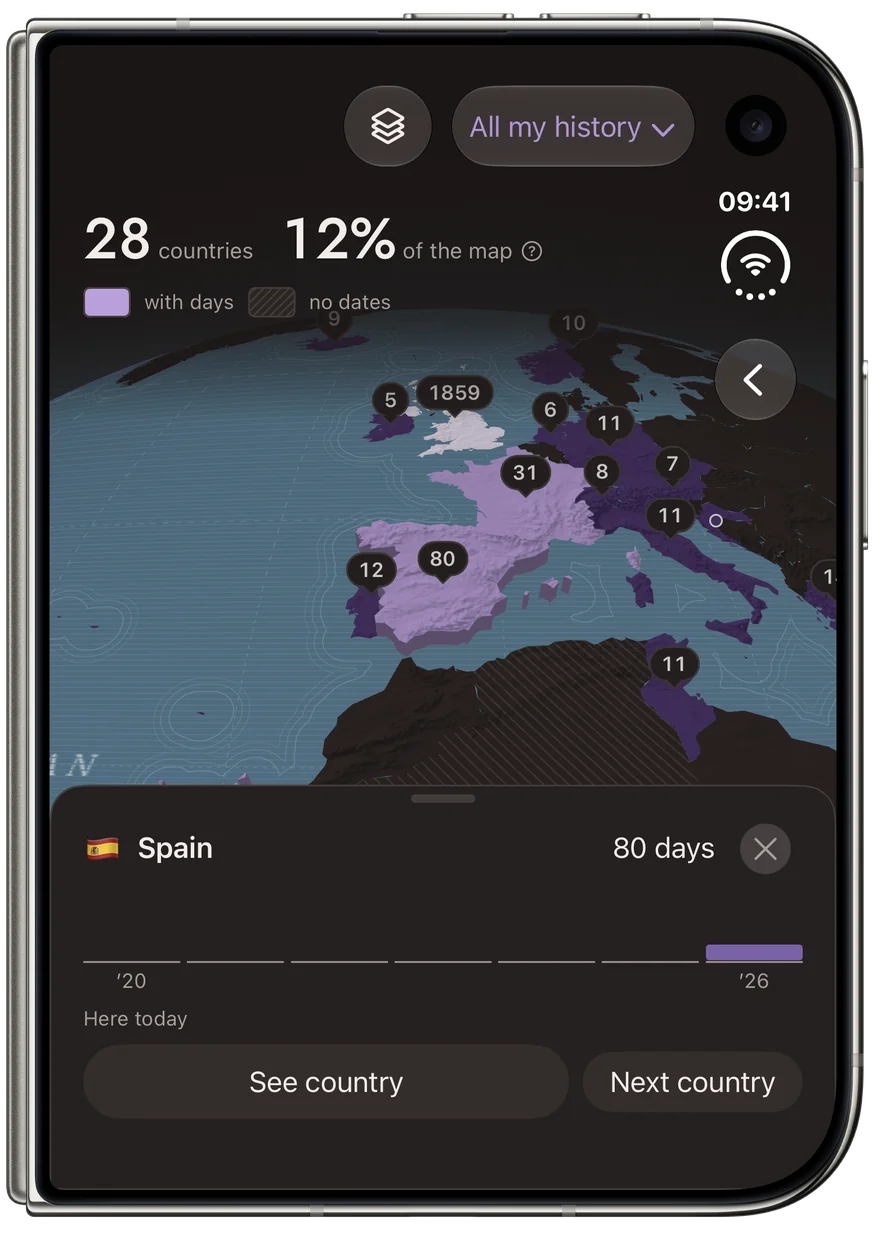
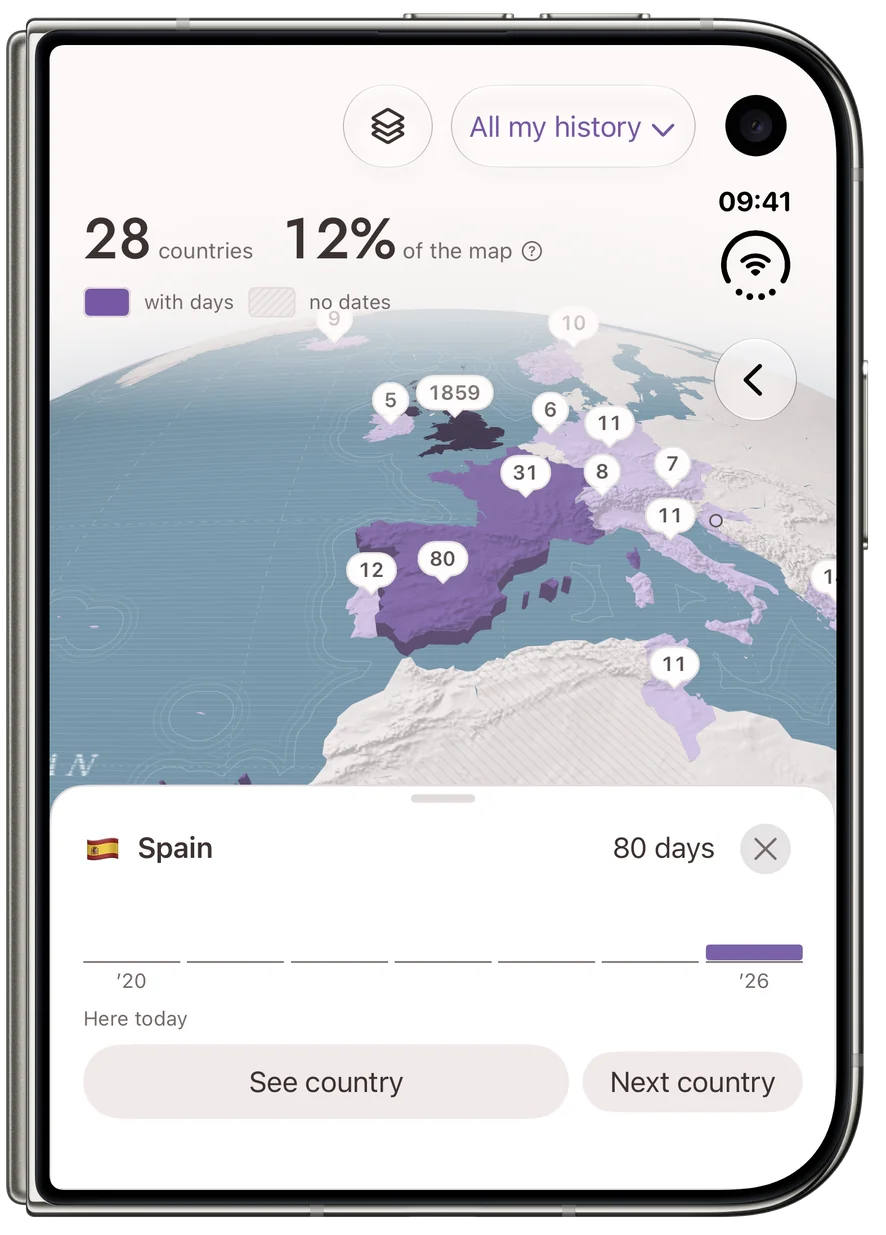
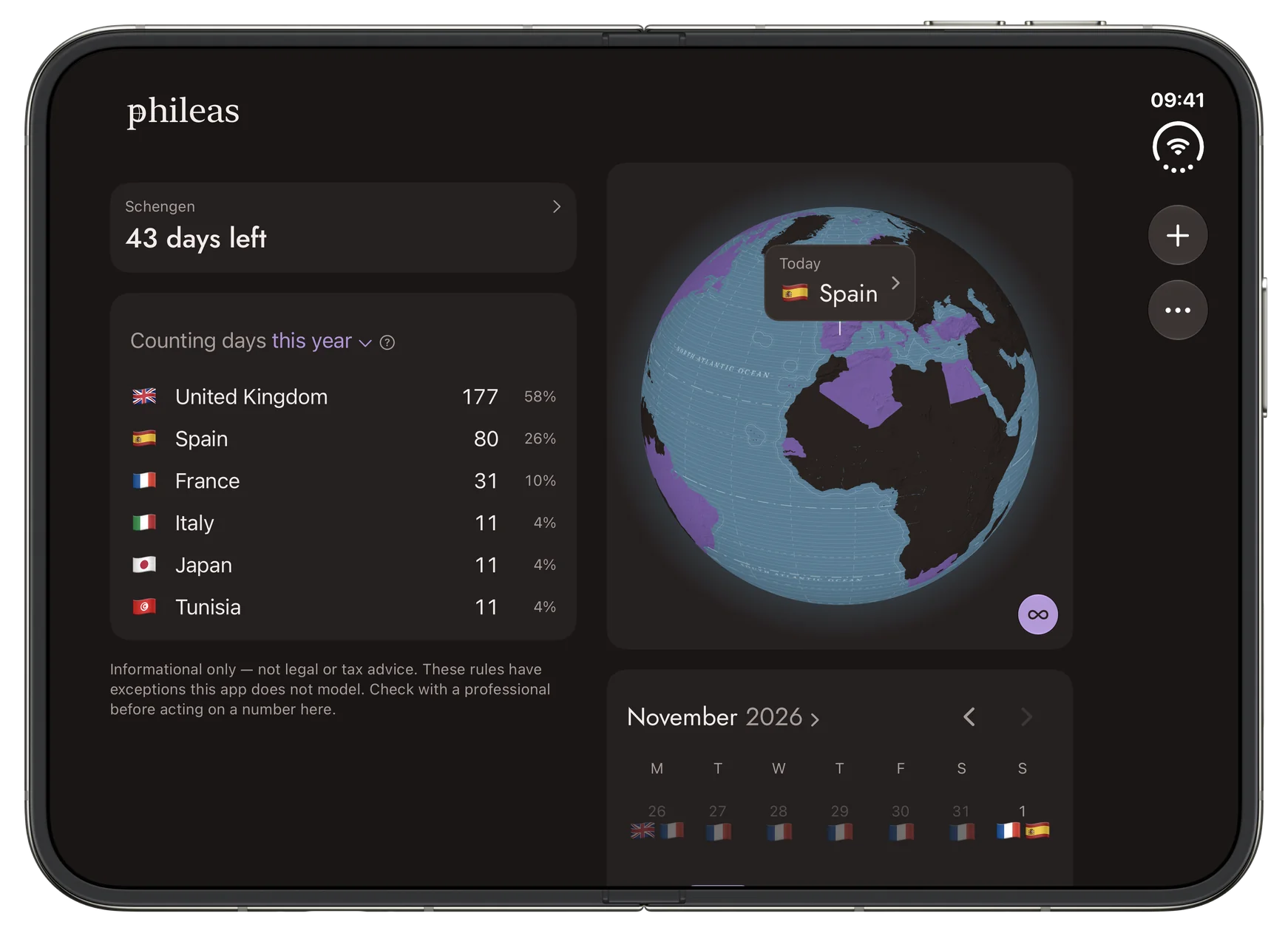
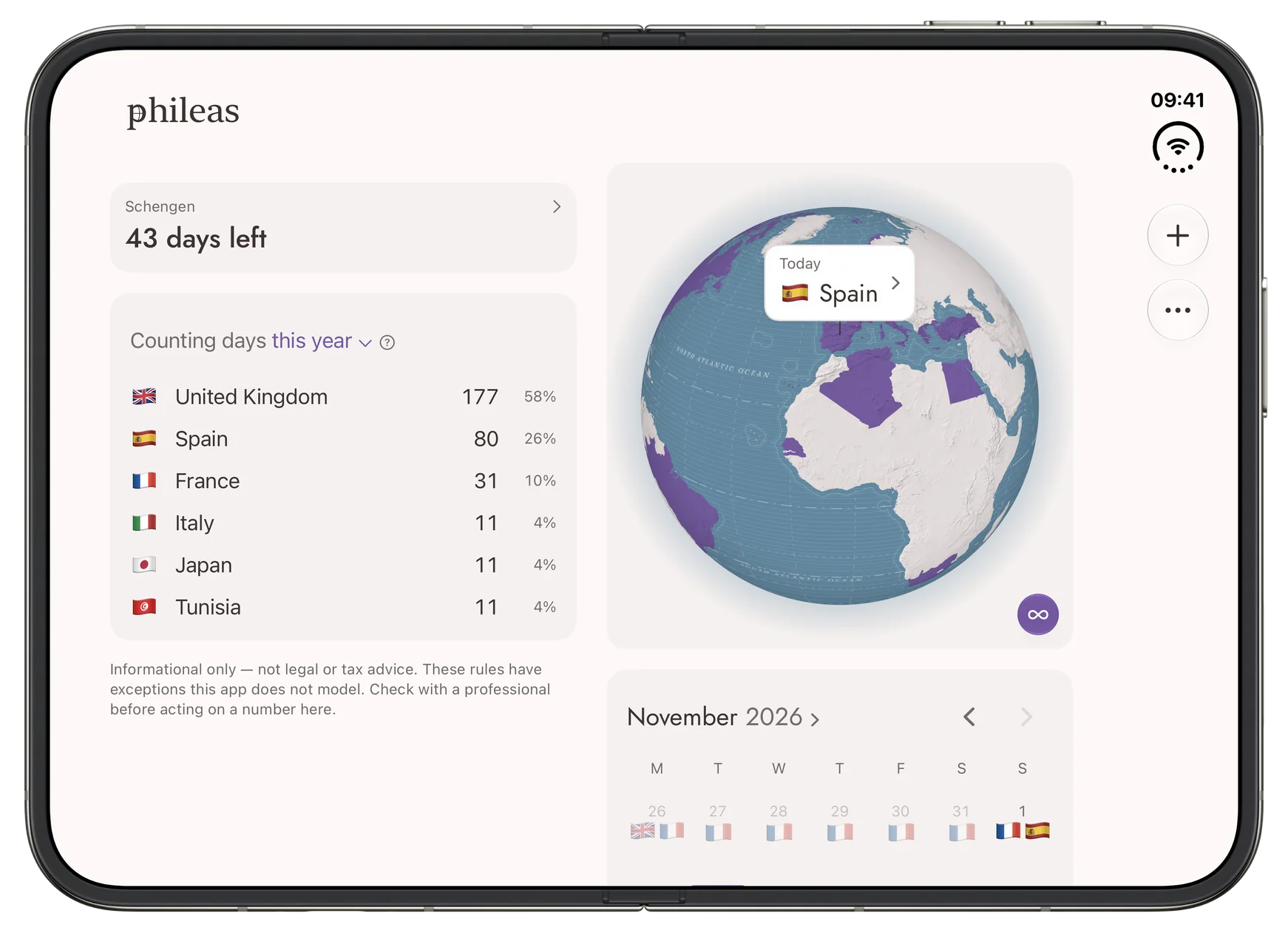
Phileas already works on iPhone Duo, open or closed. We’re still polishing the details.

Phileas on the outer screen of a closed iPhone Duo: the map of everywhere you have been, with Spain’s card.Phileas on the outer screen of a closed iPhone Duo: the map of everywhere you have been, with Spain’s card.
Phileas on an iPhone Duo open and held sideways: the Schengen rule and the countries on one side, the globe and the month on the other.Phileas on an iPhone Duo open and held sideways: the Schengen rule and the countries on one side, the globe and the month on the other.

Free and Pro

Free

By hand is free, always: you say where you were — a stay of several days or one day — and Phileas counts the days, on the calendar, the ranking and the map, with the map widgets. Your photos add the countries you have been to, with no dates. Exporting your data, or a PDF report of your days, is free too.

Pro

Automatic is Pro: Phileas notices the country once you allow location Always, and adds rules, the Rule and Countries widgets, days from photos and another app’s file. Pro is monthly or yearly — both start with 14 days free for a new subscriber, then renew until you cancel — or one payment, for good.

Questions

Does my data leave my phone?

Nothing leaves your phone unless you export it and send it somewhere yourself. There is no account, no server, no analytics and no advertising. If you buy Pro, Apple handles the purchase. Your phone’s own backup — iCloud or a computer — includes this app’s data, as it does for most apps. The app does not send it there; your phone does, if backups are on.

Can I use it just to see where I’ve been?

Yes, and for free: mark the countries you have been to on the map with I’ve been here, with no dates, or say where you were, a stay of several days or one day. Phileas draws your countries on the globe and counts the countries you have visited, with the map widgets on your Home Screen. Your photos can add them too, for free; turning photos into days, and noticing the country by itself, are Pro.

What happens when it doesn’t know where I am?

The day stays unknown, and Phileas shows it as unknown: it never fills it in silently. It asks you about the days it is missing, and you answer by saying where you were, for one day or for a stay of several.

Do I need internet?

Phileas counts your days on your phone. The map is drawn on your phone from data that comes with the app. It downloads nothing. Buying Pro, starting the 14-day trial or restoring a purchase goes through the App Store, which needs a connection.

Does Andorra count toward the Schengen area?

Only if you turn it on. Monaco, San Marino, Vatican City and Andorra count as their own countries, and toward the Schengen area only if you turn them on, in Settings under Territories. Phileas counts days in Åland as days in the Schengen area. Phileas counts days in Gibraltar as days in the Schengen area from 15 July 2026, as the UK government says.

Coming soon to the App Store